What is a social media calendar and why you need one
Learn what a social media calendar is and how it transforms your strategy. Boost engagement and streamline your posting with effective planning!

Most social media managers at small to medium-sized businesses know the feeling: Monday morning arrives, and you’re staring at a blank post composer wondering what to say, to whom, and on which platform. You scramble to repost something from last month, throw up a generic image, and call it done. That’s not a strategy. That’s survival mode. A social media calendar fixes this by turning reactive posting into intentional, goal-driven communication. This guide explains exactly what a social media calendar is, why it changes everything for SMB teams, and how to use one effectively starting today.
Table of Contents
- Defining a social media calendar
- Why social media calendars matter for SMBs
- Types of tools and templates: Choosing what works for your team
- Best practices and common pitfalls
- Our take: Social media calendars must stay agile and business-focused
- Get started with smart social media scheduling
- Frequently asked questions
Key Takeaways
| Point | Details |
|---|---|
| Calendars enable consistency | A well-structured calendar ensures regular posting and brand alignment. |
| Flex slots prevent missed trends | Allow space for spontaneous content to capitalize on real-time opportunities. |
| Tools fit team size | Choose simple spreadsheets for solo work or robust tools for collaborative teams. |
| Review monthly for agility | Update your calendar monthly to stay ahead of platform changes and business pivots. |
| Strategy calendars drive KPIs | Connect your calendar to business goals for measurable social ROI. |
Defining a social media calendar
A social media calendar is a planning tool, either a spreadsheet or dedicated software, that maps out what you’re going to post, on which platform, and when. Think of it as your editorial roadmap for all social content. It doesn’t just store post dates. It connects your content themes, audience segments, creative assets, and publishing schedule into one organized view.
At its core, a social media calendar typically contains several key elements that work together. Good media management strategies depend on knowing what goes into each column of that calendar. Here’s what a fully built calendar usually includes:
- Post date and time for each platform
- Platform designation (Instagram, LinkedIn, TikTok, Facebook, YouTube, X)
- Content theme or campaign the post belongs to
- Copy and creative assets (images, videos, captions)
- Approval status (draft, in review, approved, scheduled, published)
- Flex slots for spontaneous or trend-based content
- KPI or goal tag to track what each post is meant to achieve
Not all calendars are built the same, though. There are three main types worth knowing.
| Calendar type | What it does | Best for |
|---|---|---|
| Static calendar | Plans posts weeks or months ahead in a fixed structure | Solo creators with steady content |
| Agile calendar | Plans in short windows (30 days or less) with room to pivot | SMB teams in fast-moving industries |
| Strategy calendar | Maps content to business KPIs and campaign goals | Marketing teams with defined objectives |
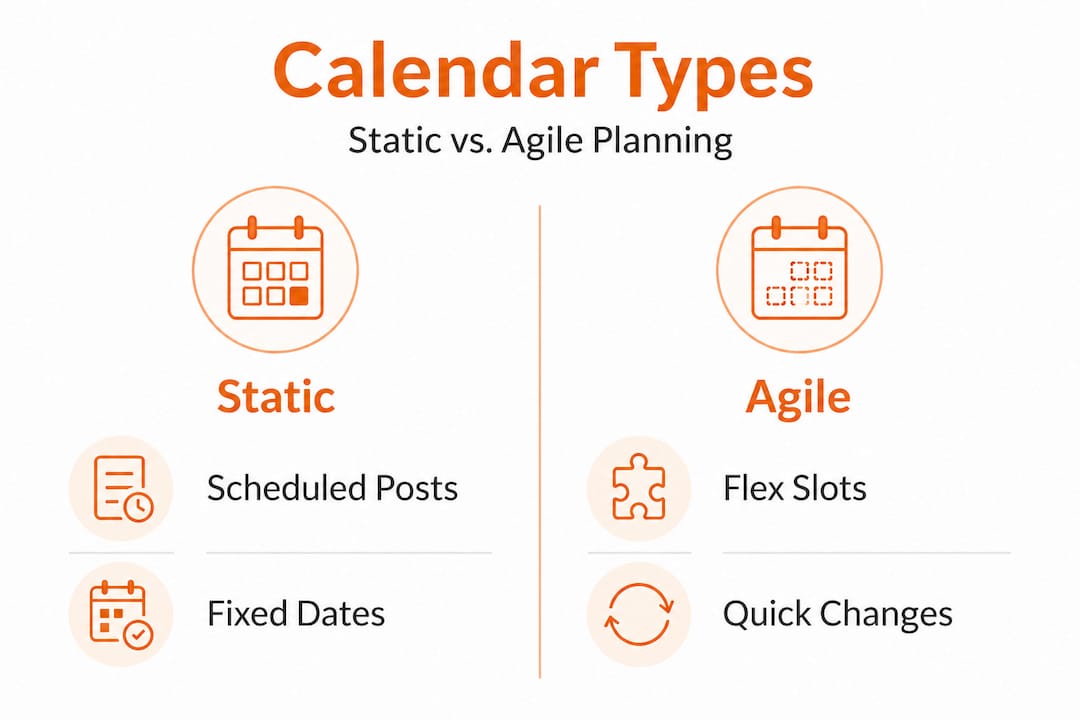
Static calendars fail without agility, and research shows that 72% of top-performing social teams plan within a 30-day rolling window rather than locking in six-month rigid schedules. A content calendar tells you what to post. A strategy calendar tells you why you’re posting it and what result you expect. That distinction matters enormously for SMBs trying to drive real business outcomes from social media.
Understanding video formats for marketers also plays into calendar planning since video now dominates reach across most platforms. When you’re filling calendar slots, knowing which video format fits each platform helps you plan smarter. And when it comes to timing, scheduling posts for reach is a skill that your calendar structure actively supports by giving you a framework to test and refine posting times.
Why social media calendars matter for SMBs
Now that we’ve defined the calendar, let’s discover why it can radically change how SMBs manage their social media presence.
Without a calendar, social media becomes a daily guessing game. With one, it becomes a repeatable system. The difference in outcomes is significant, not just for time saved but for the quality and consistency of what you publish.
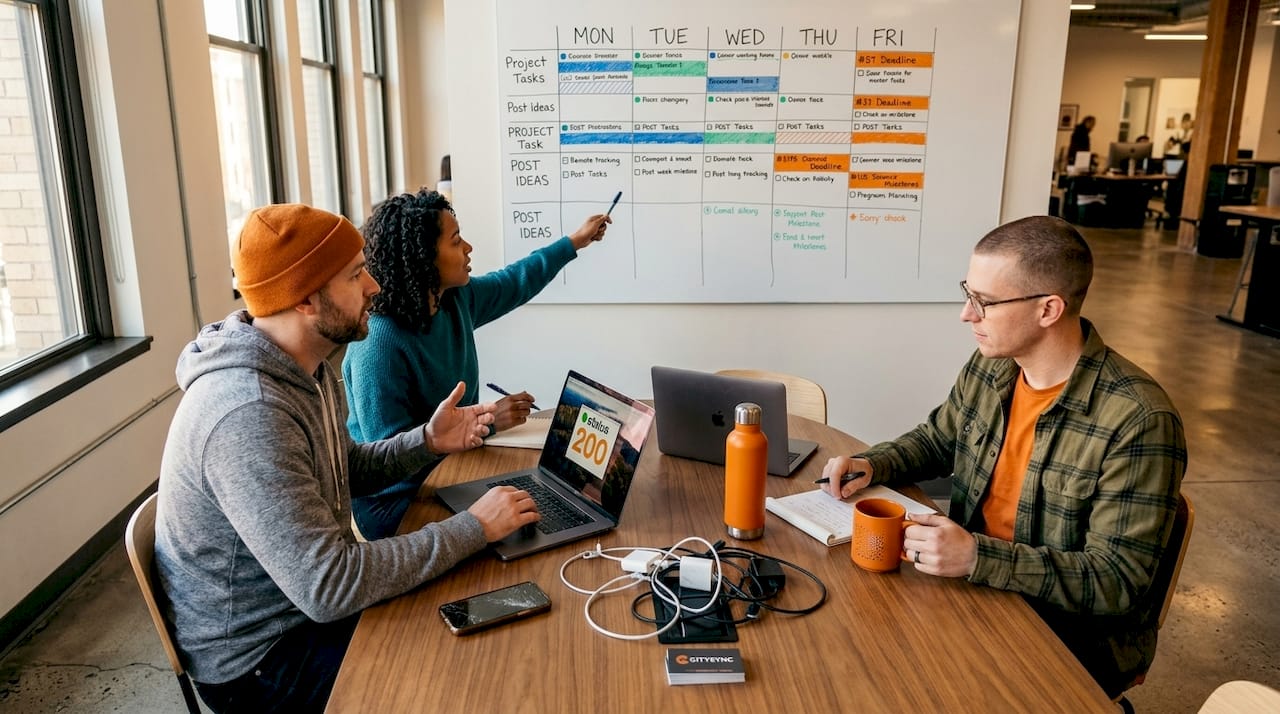
Here’s a direct comparison of what working with and without a calendar actually looks like for an SMB team:
| Factor | Without a calendar | With a calendar |
|---|---|---|
| Consistency | Sporadic, reactive posting | Steady cadence across all platforms |
| Engagement | Unpredictable, often low | Higher due to planned audience targeting |
| Time investment | Hours per week scrambling | Time batched into focused planning sessions |
| Approval process | Chaotic, last-minute | Structured and predictable |
| Campaign alignment | Rarely tied to business goals | Directly mapped to promotions and KPIs |
Avoid rigid over-planning as one of the most common mistakes teams make. Locking in content six or more months ahead sounds productive, but it actually makes your brand look tone-deaf when market conditions or world events shift. Good multi-platform engagement strategies are built on flexibility, not rigidity.
Here are the most common mistakes SMB teams make with social media calendars:
- Over-planning more than 60 days out without review checkpoints
- Ignoring approval cycles, which causes last-minute bottlenecks and rushed posts
- No flex slots, which means missing viral trends or newsjacking opportunities
- Platform mismatch, posting identical content to LinkedIn and TikTok without tailoring it
- Skipping crisis protocols, such as forgetting to pause scheduled posts during negative news cycles
Pro Tip: Always reserve 15 to 20% of your calendar slots as open “flex slots.” These are intentionally blank spaces where your team can drop in timely content, trending topics, or urgent business announcements without blowing up your entire schedule.
For SMBs specifically, the calendar’s biggest benefit is reducing cognitive load. Instead of asking “what should we post today?” every single morning, your team wakes up knowing exactly what’s ready, what needs approval, and what’s scheduled. That mental clarity frees up creative energy for better content, stronger copy, and more strategic thinking. Understanding how to optimize your approach with resources on posting for max engagement helps you turn a simple calendar into a genuine growth tool.
Types of tools and templates: Choosing what works for your team
Understanding the value, let’s explore how to pick the right calendar format and tool for your unique needs.
The first question isn’t “which tool is best?” It’s “what does my team actually need right now?” A one-person marketing operation at a local bakery has completely different requirements than a five-person content team at a regional e-commerce brand. Both need a calendar. Neither needs the same solution.
Spreadsheets work for solo managers, while teams benefit far more from dedicated tools that support automation, collaboration, and approval workflows. Google Sheets or Excel can handle simple planning for one or two platforms. But the moment you’re managing multiple accounts across four or five platforms, a spreadsheet becomes a liability, not an asset.
Here’s a step-by-step process to choose the right calendar tool for your team:
- Audit your platforms. List every social channel your brand is active on. The more platforms you manage, the more automation you need.
- Count your team members. Solo managers can use spreadsheets. Teams of two or more need shared access, comment features, and clear approval statuses.
- Map your approval workflow. If posts need client or leadership sign-off before publishing, your tool must support that process natively.
- Check for automation. Tools that connect to Zapier or Make.com let you automate repetitive steps like media uploads and post creation.
- Test platform-specific settings. The best tools let you customize captions, hashtags, and media formats per platform rather than pushing one post everywhere identically.
- Review your media library needs. If you’re producing video regularly, look for tools that organize media assets, not just text-based post details.
Understanding the nuance between manual vs automated posting is critical at this stage. Some content, like real-time engagement or live updates, requires manual effort. But the bulk of planned, evergreen, or campaign-based content should be automated to save hours each week.
When it comes to templates, choose ones that are flexible by default. Rigid templates with locked fields make it hard to adapt when your strategy shifts. A good template includes open columns, a platform tab structure, and a visual monthly overview you can print or share in team meetings. For teams that produce video, learning about repurposing videos for engagement is a smart way to fill calendar slots efficiently without constantly creating net-new content.
Finally, look for templates and tools that support platform-specific posting strategies. What works on Instagram Reels doesn’t translate to LinkedIn articles or YouTube Shorts without adjustment. Your calendar tool should make it easy to customize the same core message for each platform’s format and audience expectations. And if you’re managing multiple clients or brand accounts, exploring resources on streamlining post scheduling gives you a practical framework for staying organized at scale.
Best practices and common pitfalls
Now, let’s arm you with actionable tactics and highlight common traps that even experienced SMB teams fall into.
Building a calendar is the first step. Running it well over time is the real challenge. Here are the best practices that separate high-performing SMB social teams from those that constantly feel behind:
- Review and update your calendar every month, not every quarter. Trends move fast, and monthly reviews let you course-correct before you’re posting irrelevant content.
- Build a crisis pause protocol into your calendar. If a major negative event happens, you need a clear decision tree for pausing scheduled posts immediately.
- Include at least two trend slots per week where the team can insert timely content without disrupting the broader schedule.
- Align every post to a measurable goal, whether that’s driving traffic, collecting leads, or boosting brand awareness. Posts without a purpose clog your calendar.
- Conduct quarterly platform audits to check whether your current platforms are still delivering returns, or whether your audience has shifted elsewhere.
- Tag posts by content type (educational, promotional, engagement-driven) to make sure you’re not overwhelming your audience with sales content.
Following solid publishing best practices is what separates teams that grow from those that plateau. And strong engagement strategies are only possible when you know what you’re posting and why, which is exactly what a well-maintained calendar gives you.
“Teams that build flexibility into their social media planning outperform those using rigid, multi-month schedules. Flex slots and 30-day planning windows are what allow brands to stay relevant and responsive in real time.”
Common pitfalls to actively avoid include over-planning without review checkpoints, letting client approval delays stack up until your entire queue is on hold, and creating platform mismatches by posting the exact same content to every channel. You can also learn from the video-first content world by understanding video types for engagement and making sure your calendar reflects a variety of formats, not just static images or text posts.
Our take: Social media calendars must stay agile and business-focused
Here’s something most articles about social media calendars won’t tell you: the calendar itself isn’t the goal. The goal is business growth. The calendar is just the mechanism. We see too many SMB teams treating their social calendar like a content conveyor belt, fill the slots, hit publish, repeat. That approach produces volume but rarely produces results.
The teams that genuinely win with social media calendars are the ones that connect every planned post back to a real business objective. A product launch, a seasonal campaign, a customer retention push, a brand awareness goal. Every content theme on the calendar should trace back to a KPI that someone in leadership actually cares about. If you can’t answer “what business outcome does this post support?” the post probably shouldn’t be on the calendar.
We also believe that agility is non-negotiable for SMBs specifically. Large enterprises can afford to plan quarters ahead and absorb the cost of occasionally posting tone-deaf content. Small businesses can’t. When a local event, a trending topic, or an industry shift happens, your calendar needs room to respond within hours, not days. That’s why the flex slot concept isn’t a nice-to-have; it’s a structural requirement.
One more uncomfortable truth: vanity metrics are calendar killers. When your team optimizes for likes and follows, your calendar fills up with content that performs superficially but never drives conversions. Use your calendar to plan content around the metrics that actually matter for your business. For B2B brands especially, strong LinkedIn strategies show that fewer, more intentional posts consistently outperform high-frequency, low-quality content schedules.
Pro Tip: Block 30 minutes at the end of every month to do a calendar review. Look at what underperformed, identify why, and shift those themes or formats for the coming month. This single habit will improve your social results faster than any tool or template change.
Get started with smart social media scheduling
If you’ve followed this guide, you now have a clear picture of what a social media calendar is, how to choose the right type for your team, and how to avoid the pitfalls that slow most SMBs down. The next step is putting that knowledge into action with tools that actually support the way modern social media teams work.
Status 200 Uploads is built for exactly this workflow. You can connect TikTok, Instagram, Facebook, YouTube, X, and LinkedIn through a single dashboard, then schedule and publish content across all of them simultaneously. With automation integrations through Zapier and Make.com, your calendar-driven workflow becomes a nearly hands-off publishing system. If you’ve been comparing options, take a look at how we stack up with this SMB scheduling comparison to see what the platform offers. Or jump straight into all-platform scheduling and see how much time you can reclaim from reactive, last-minute posting.
Frequently asked questions
What’s the difference between a content calendar and a strategy calendar?
A content calendar schedules posts, while a strategy calendar ties content to business goals and KPIs for deeper, measurable impact. The strategy version asks not just “what are we posting?” but “what result are we driving?”
How often should I update a social media calendar?
Most experts advise monthly updates for flexibility, and 72% of top teams plan within 30-day rolling windows rather than rigid multi-month schedules that quickly become outdated.
What are flex slots and why are they important?
Flex slots are intentionally empty calendar spaces reserved for trend-based or spontaneous content. Lack of flex slots is a key reason teams miss trending moments and are forced to either skip opportunities or disrupt their entire planned schedule.
Should SMBs use spreadsheets or dedicated tools?
Solo managers can start with spreadsheets for simplicity, but teams benefit from dedicated calendar tools that offer automation, collaboration, and approval workflows, all of which reduce errors and save significant time at scale.