How to schedule social media posts for maximum reach
Discover how to schedule social media posts efficiently and boost your engagement! Save hours each week and ensure your content reaches more followers.

Imagine it’s Monday morning and you’re manually copying captions into five different apps, resizing images, and trying to remember which platform you already posted to. By the time you’ve finished, your prime engagement window has passed and your best content lands to silence. Teams that post five or more times per week across platforms can save 10 to 15 hours every single week by batching and automating their schedules. This guide walks you through exactly how to set up an efficient, repeatable scheduling system so your content reaches more followers without eating your entire workday.
Table of Contents
- What you need before you schedule: Tools, platforms, and basics
- Step-by-step process: How to batch, plan, and automate your posts
- Setting the best schedule: Platform differences, timing, and frequency
- Avoiding pitfalls: Edge cases and best practices for successful automation
- Why consistency and audience insights beat chasing viral results
- Take your social scheduling further with top automation tools
- Frequently asked questions
Key Takeaways
| Point | Details |
|---|---|
| Batching saves hours | Automating and batching post creation can save you 10-15 hours each week. |
| Platforms need custom timing | Optimal post frequency and timing differ for each social platform and audience. |
| Consistency trumps volume | Regular, quality posting is more effective than sheer output volume. |
| Monitor for updates | Keep an eye on scheduled queues to edit or pause posts during breaking events or changes. |
What you need before you schedule: Tools, platforms, and basics
Now that you know scheduling can save hours each week, let’s take stock of what you’ll need to get started.
Social media scheduling means planning your content in advance and using either native platform tools or third-party software to automate publishing at optimal times across platforms like Instagram, Facebook, LinkedIn, X, and TikTok. Understanding the difference between these two tool categories is the first decision you’ll make.
Native scheduling tools are built directly into each platform. Meta Business Suite handles Facebook and Instagram. LinkedIn has its own post scheduler. TikTok offers scheduling inside its creator studio. These are free and straightforward, but each lives in a separate tab, forcing you to log in and out repeatedly. Native tools work well for light use (think one to three posts per week on a single platform), but they lack a unified calendar, bulk upload capability, or team collaboration features that growing SMBs genuinely need.
Third-party tools connect all your accounts in one dashboard and let you schedule across platforms simultaneously. They typically add analytics, approval workflows, and content libraries on top of basic scheduling.
Before you pick a tool, gather the following:
- Login credentials or admin access to every brand social profile
- A folder of approved creative assets (images, videos, graphics)
- Your brand guidelines (voice, colors, approved hashtags)
- Audience analytics from each platform (best pulled from native insights first)
- A rough content plan or at least a list of campaign dates
Here’s a quick comparison of common tool categories for SMBs:
| Tool type | Best for | Approx. cost | Key limitation |
|---|---|---|---|
| Native schedulers | Single platform, low volume | Free | No unified view |
| Mid-tier third-party (e.g., Buffer) | Small teams, 2-5 platforms | $15-$99/month | Limited automation depth |
| Advanced SaaS (e.g., Status 200 Uploads) | Multi-platform, API automation | Varies | Learning curve |
| Enterprise tools | Large agencies | $500+/month | Overkill for SMBs |
Pro Tip: Before committing to any paid tool, map out how many platforms you manage and how many posts per week you realistically publish. That number alone will eliminate half the options on the market.
You can also explore how multi-platform engagement with scheduling scales when you centralize your publishing workflow. Getting this infrastructure right upfront saves you from painful migrations six months down the road.
Step-by-step process: How to batch, plan, and automate your posts
With the right tools and logins in hand, you’re ready to actually schedule efficiently. Here’s how, step by step.

Effective scheduling is built on a few core methodologies: content batching, content pillars, a clear posting frequency per platform, and a shared content calendar your whole team can see. Without these, even the best scheduling tool becomes a chaotic inbox.
Here are the five core steps to build your scheduling workflow:
-
Define your content pillars. Choose three to five recurring themes that represent your brand. A marketing agency might use: client results, industry news, tool reviews, behind-the-scenes, and educational tips. These pillars ensure variety without starting from scratch every week.
-
Build a content calendar. Use a shared spreadsheet, a tool like Notion, or the built-in calendar inside your scheduling platform. Map out at least two weeks of content slots per platform. Assign pillar labels to each slot so you maintain balance across themes.
-
Batch your content creation. Instead of writing one caption per day, sit down once or twice a week and create all your content for the next seven to fourteen days in one session. This approach dramatically reduces context-switching and keeps your creative thinking sharp. For SMB marketing teams, batching weekly and scheduling one to two weeks ahead is the gold standard that most high-performing brands follow.
-
Load and schedule posts. Upload your content to your scheduling tool, attach media, add captions and hashtags, set platform-specific settings (like LinkedIn article previews or TikTok sound selections), and set your publish times. Most tools let you do this in bulk.
-
Monitor your queue and engage post-publish. Scheduling is not a “set it and forget it” system. Check your queue daily for errors or outdated content. After posts go live, spend time responding to comments and messages. Engagement in the first hour after publishing signals quality to platform algorithms.
“Consistency in posting builds algorithmic trust over time. It’s not just about the content itself but the reliable signal you send to each platform that you’re an active, engaged creator.”
Pro Tip: When you optimize posting for max engagement, look at your own audience analytics first, not just generic best-time guides. Your specific followers may be night owls or early risers depending on your industry and location.
Setting the best schedule: Platform differences, timing, and frequency
Once you’ve got your content planned, it’s time to set posting schedules that match how each platform and audience behaves.
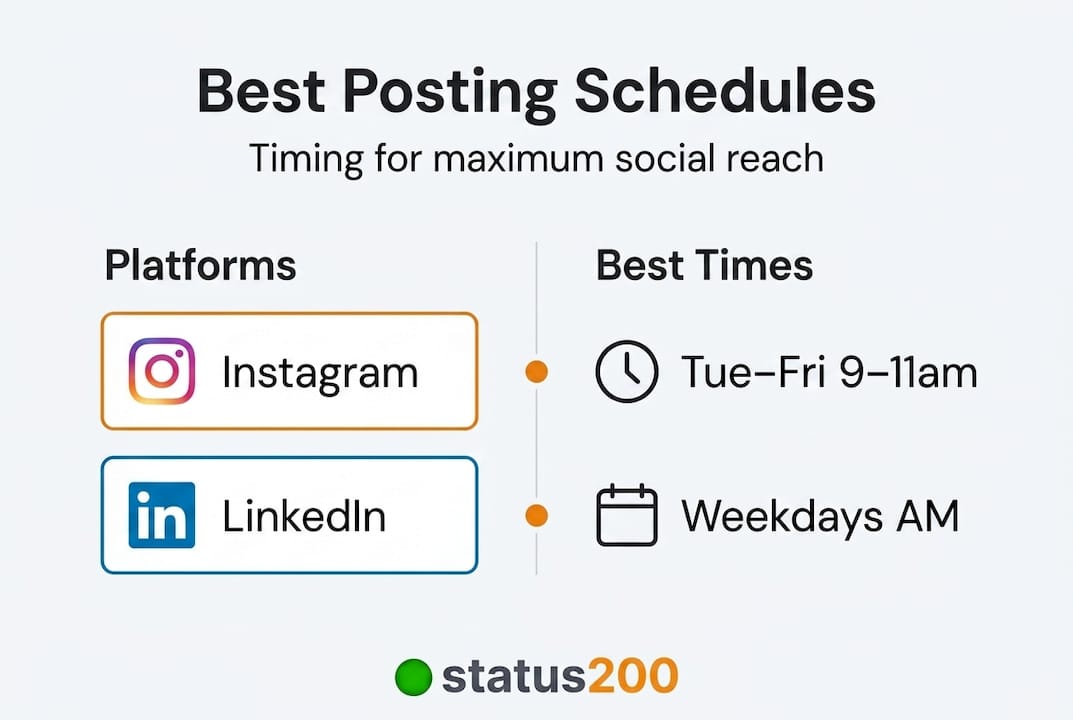
Not all platforms are equal, and posting on the wrong cadence for a given network is one of the most common mistakes SMBs make. Overposting on LinkedIn feels spammy; underposting on TikTok buries your content before the algorithm ever tests it. Here are the recommended posting frequencies you should use as your baseline:
| Platform | Recommended frequency | Peak engagement window |
|---|---|---|
| 3-5 posts/week | Tue-Fri, 9am-11am | |
| 1-2 posts/day | Wed-Thu, 1pm-3pm | |
| X (Twitter) | 1-5 posts/day | Mon-Fri, 8am-10am |
| 3-5 posts/week | Tue-Thu, 8am-10am | |
| TikTok | 3-5 posts/week | Tue-Fri, 7pm-9pm |
| 3-10 pins/day | Sat-Sun, 8pm-11pm |
When it comes to actual engagement benchmarks, the 2026 data shows that TikTok leads with a median engagement rate of 3.70%, while Instagram sits between 0.50% and 0.70%, LinkedIn ranges from 0.35% to 0.50%, and Facebook averages around 0.5%. These numbers vary significantly by industry, so a fitness brand on Instagram will outperform a B2B software company on the same platform.
A few critical points to remember when setting your schedule:
- Audience timezone matters more than general best times. If 60% of your Instagram followers are in Chicago and you’re based in London, schedule for Central Time, not GMT.
- Test before you commit. Run posts at two or three different time slots for four weeks, then compare reach and engagement. Let the data pick your schedule.
- Frequency is less important than consistency. Posting three times a week every week beats posting seven times one week and going silent the next.
- Platform-specific content formats affect timing. A Reel on Instagram may perform better on weekend mornings, while a static infographic post may get more saves on Tuesday afternoons.
You can go deeper on platform-specific posting engagement strategies to understand how algorithm behavior shapes the ideal format and timing for each network. The key takeaway here is that generic benchmarks are starting points, not final answers. Your own analytics are the most accurate guide you have.
Avoiding pitfalls: Edge cases and best practices for successful automation
While scheduling unlocks efficiency, automation has its own risks. Here’s how to avoid headaches and keep your brand agile.
The biggest misconception about social media scheduling is that you can fully automate your way to growth. You can’t. Automation handles the publishing; your team still needs to handle the thinking, the real-time responses, and the judgment calls. Comparing manual vs automated workflows reveals that the best-performing brands blend both approaches rather than choosing one extreme.
Here are the most common pitfalls and how to avoid each one:
- Timezone mismatches. If you manage global accounts, always set your scheduling tool’s default timezone per account, not per user. A post scheduled to go out at 9am should reflect 9am for the audience, not 9am for the person sitting at their desk.
- Over-scheduling without engagement. Publishing twenty posts a week and never replying to a single comment is one of the fastest ways to tank your algorithmic reach. Platforms track reply rates, share rates, and saves as engagement signals, not just likes.
- Tone-deaf posts during breaking news. If a national crisis or industry disaster hits, a pre-scheduled promotional post can land terribly. Review your queue every morning and pause or reschedule anything that could read as insensitive given current events.
- Platform technical limits. Instagram’s native scheduler caps at 75 days in advance. Some platforms revoke API access without warning, causing failed posts. Always have a backup notification system so you know immediately if a post doesn’t publish.
- Identical cross-posting. Copying the same caption and image to every platform without adapting it hurts performance. LinkedIn audiences expect professional framing. TikTok viewers want personality and trend awareness. Adapt even slightly for each platform.
“Scheduling doesn’t penalize your content in algorithms when engagement is strong. Poor results from scheduled posts almost always trace back to bad timing, identical cross-posts, or no follow-up replies.” — from Social Media Scheduler: Complete Guide
Pro Tip: Build a “sensitivity check” step into your weekly queue review. Before Monday begins, scan your scheduled posts for the week and ask: “Would any of these land badly if something unexpected happened today?” It takes five minutes and saves real brand damage.
Understanding social media etiquette during events is also worth reviewing so your team has a shared standard for when to pause automation entirely and when real-time posting is more appropriate than any pre-built content plan.
Why consistency and audience insights beat chasing viral results
Here’s an opinion that might push back on what most scheduling guides tell you: the goal of scheduling is not to post more. It’s to post smarter, then listen harder.
Most SMBs start using scheduling tools and immediately default to maximum frequency because the tool makes it easy. They fill every slot on the calendar, cross-post everything identically, and then wonder why their engagement rate drops after a month of “consistent” posting. Volume without relevance is just noise.
The brands that genuinely grow through scheduling are the ones that use it to free up time for analysis, not just to replace time spent manually posting. The 80/20 rule for social content is the framework worth living by: roughly 80% of your posts should be evergreen, value-driven, scheduled content, and 20% should be real-time, reactive, or experimental. That 20% is where you learn what your audience actually responds to.
Consistency beats volume every time. A brand that posts three thoughtful, audience-specific pieces per week for six months will outperform one that posts daily without reviewing any analytics. Platform algorithms reward accounts whose content earns saves, shares, and replies, not just accounts that post frequently.
Use your scheduling tool’s analytics to track which content pillars generate the most saves and shares, which time slots consistently outperform others, and how engagement rates shift by content format. Then let that data reshape your next month’s content calendar. This is the feedback loop that separates brands that grow from brands that just stay busy.
You can build this kind of informed publishing system by starting with the publishing best practices that combine data review with content planning in a single repeatable workflow.
Take your social scheduling further with top automation tools
If this guide has shown you anything, it’s that the right tool makes all the difference between a scheduling system that works and one that creates more problems than it solves.
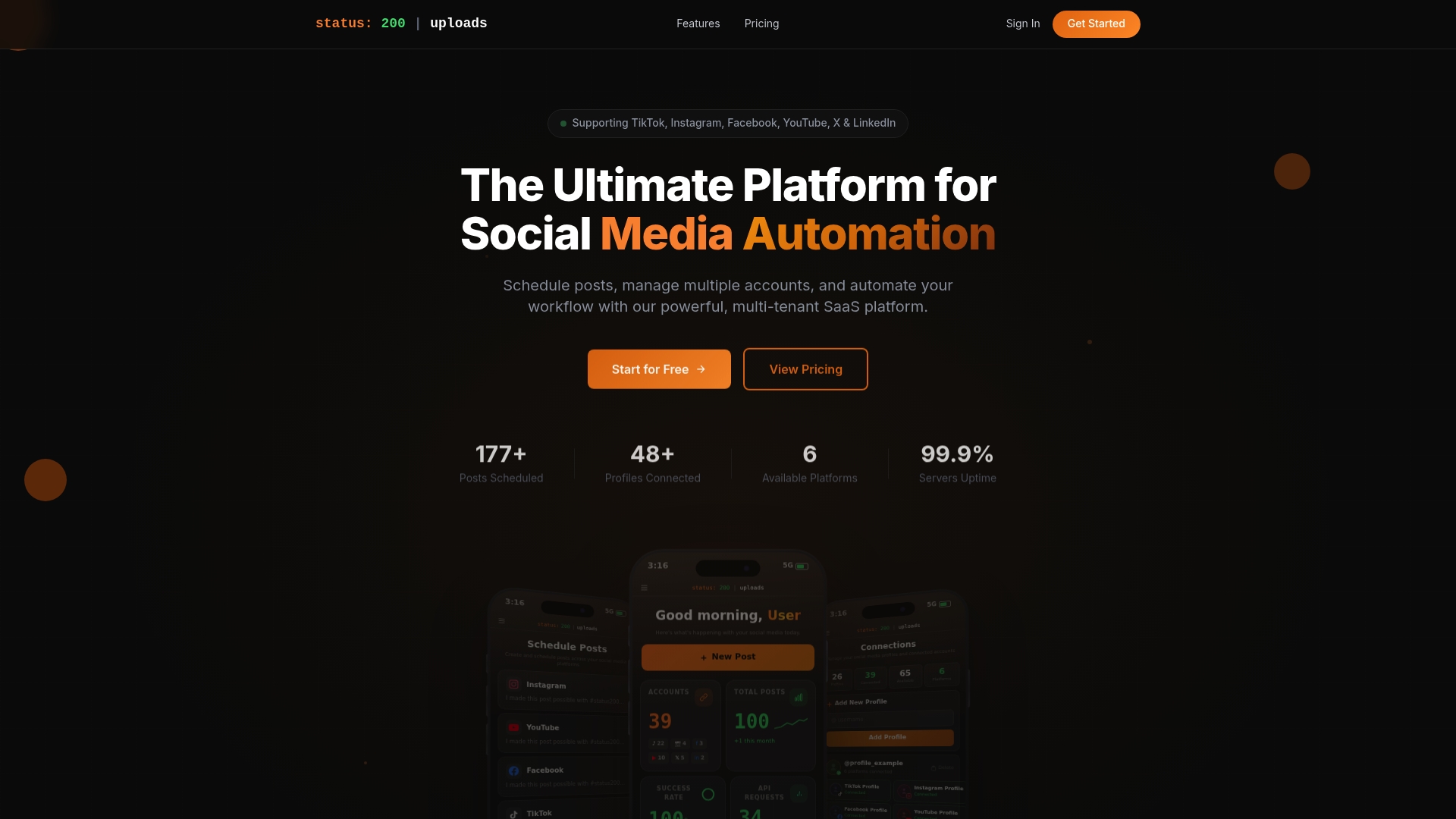
Status 200 Uploads is built specifically for SMBs and marketing teams who need to connect multiple accounts across TikTok, Instagram, Facebook, YouTube, X, and LinkedIn from a single dashboard. With built-in media management, OAuth-secured account connections, Zapier and Make.com integration, and detailed post tracking, it removes the friction that kills scheduling consistency. If you’re evaluating options, start by comparing Status 200 Uploads and Publer to see how the features line up for your team’s specific needs. Ready to streamline your workflow? You can schedule posts to all social platforms and start recovering those hours today.
Frequently asked questions
How many posts should I schedule each week for the best engagement?
For most platforms, aim for 3-5 posts per week on Instagram, LinkedIn, and TikTok, and 1-2 posts per day on Facebook and X for optimal reach and engagement.
Does scheduling with third-party tools lower my post visibility?
No. Algorithm visibility is not penalized by using reputable third-party scheduling tools, as long as your content actively engages your audience after it publishes.
What happens if I need to cancel or change a scheduled post suddenly?
Most scheduling tools let you edit or delete posts before they go live, and you should monitor your queue during sensitive news events to pause anything that could come across as tone-deaf.
How far in advance can I schedule posts?
Instagram allows scheduling up to 75 days in advance natively, while most third-party tools offer even greater flexibility with no set maximum publishing window.