Optimize posting times for maximum social media engagement
Discover effective ways to optimize posting time for your social media strategy. Boost engagement by reaching your audience when they’re active!
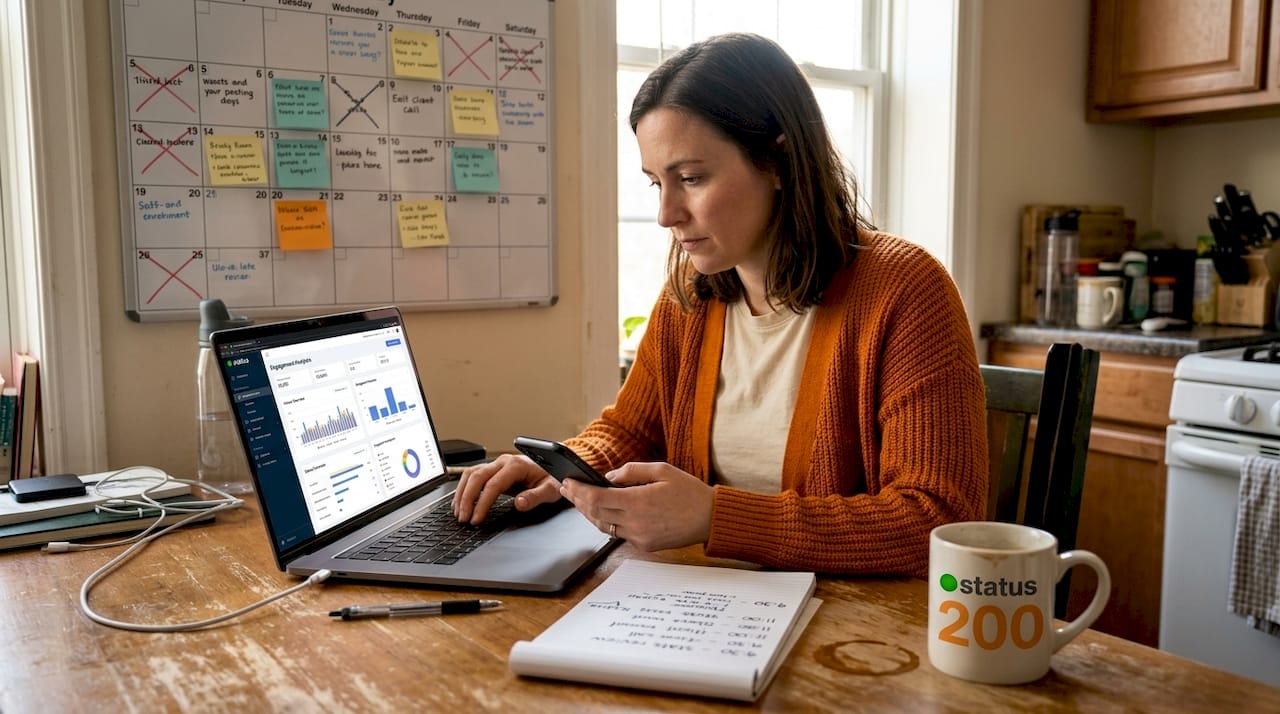
Posting great content at the wrong time is like opening a store at 3 a.m. and wondering why nobody walks in. Your audience is out there, scrolling and engaging, but if your posts land when they’re asleep or distracted, even your best work gets buried under an avalanche of newer content. For social media managers and small business owners, timing is one of the most controllable variables in your strategy. This article breaks down exactly how to read your audience data, benchmark against platform-specific patterns, run smarter tests, and use automation to stay consistent without burning out.
Table of Contents
- Understand your audience’s activity patterns
- Best times to post: Platform-by-platform breakdown
- Test, analyze, and refine: Iterative optimization strategies
- Use automation tools to schedule and optimize at scale
- Why perfect timing is overrated (and what actually works)
- Scale your social scheduling with Status 200 Uploads
- Frequently asked questions
Key Takeaways
| Point | Details |
|---|---|
| Analyze audience behavior | Use platform analytics to learn when your audience is most active before adjusting posting times. |
| Tailor timing for each platform | Adapt your posting schedule for each major platform, as peak times differ between Instagram, TikTok, and LinkedIn. |
| Test and refine consistently | Regularly experiment with timing and review engagement metrics to improve results. |
| Leverage automation tools | Use scheduling tools to maintain consistency and reach users across various time zones without manual effort. |
Understand your audience’s activity patterns
Timing is personal. What works for a fitness brand targeting early risers in Chicago will not work for a B2B software company reaching decision-makers in London or a streetwear label connecting with teenagers in Los Angeles. The starting point is always your own audience data, not someone else’s case study.
Every major platform gives you free access to behavioral insights:
- Instagram Insights shows when your followers are most active by day and hour, broken down under the Audience tab.
- Facebook Page Insights surfaces peak activity windows and lets you filter by age, gender, and location.
- TikTok Analytics (available on Pro accounts) displays follower activity, including top territories and active hours.
- LinkedIn Analytics offers follower demographics and post performance data at the individual post level.
The key is not just looking at when your audience is online, but when your best-performing posts landed. Cross-reference timing with reach and engagement rates. If you are connecting multiple accounts from one dashboard, you can spot patterns across platforms simultaneously instead of jumping between apps.
Audience segmentation by time zone matters more than most people expect. If 40% of your followers are in a different country than you are, posting at 9 a.m. your local time might mean reaching them at midnight. Pull location data from your analytics and consider staggering posts or scheduling platform-specific content with offset timing.

Understanding what formats drive engagement in your niche is equally important. Knowing the right video types for engagement for your audience can sharpen both what you post and when you post it, since different content formats tend to perform better at different times of day.
Pro Tip: Do not ignore holidays and local events. A spike in online activity around a regional holiday in one of your key markets can significantly boost reach if you plan posts to land right as people sit down to scroll. Build a simple event calendar alongside your social media calendar to stay ahead of these windows.
Best times to post: Platform-by-platform breakdown
Once you have a feel for your own audience, compare those patterns against established benchmarks. These general windows are not guarantees, but they give you a solid starting point before your own data builds up.
| Platform | Best days | Peak time windows (local time) |
|---|---|---|
| Tuesday, Wednesday, Friday | 9 a.m. to 11 a.m., 1 p.m. to 3 p.m. | |
| Tuesday, Thursday | 8 a.m. to 12 p.m. | |
| TikTok | Tuesday, Thursday, Friday | 7 a.m. to 9 a.m., 7 p.m. to 9 p.m. |
| Tuesday, Wednesday, Thursday | 8 a.m. to 10 a.m., 12 p.m. | |
| X (formerly Twitter) | Monday through Thursday | 8 a.m. to 10 a.m., 6 p.m. to 9 p.m. |
A few things stand out in this data. Midweek consistently dominates across platforms. Monday often suffers from “inbox zero” mode, where people are heads-down catching up on work. Friday afternoons and weekends tend to see lower engagement on LinkedIn specifically, because the audience is professional and logs off. Meanwhile, TikTok’s evening windows reflect its younger demographic, who are in school or working during the day.
Video content timing works a little differently from static posts. Video content engagement tips suggest that longer-form video performs better in evening slots when people have 5 to 10 minutes to commit, while short-form clips and Reels can be consumed at any point in the day. This means your TikTok scheduling strategy may need to separate short clips from longer videos, posting the quick content during morning commute windows and saving deeper storytelling for the evening.
A few critical caveats worth remembering:
- Time zone applies to your audience, not you. Schedule based on where your followers are, not where you sit.
- “Best times” are averages. They are useful benchmarks, but your niche may behave completely differently. A gaming audience tends to peak late at night. A parenting audience often surges during nap time and after bedtime.
- Platform algorithms factor in recency. Posting just before peak activity often outperforms posting during it because your content is fresh when the traffic spike hits.
Understanding the mechanics of TikTok scheduling specifically can give you a real edge, since TikTok’s algorithm distributes content differently than Instagram or LinkedIn and rewards early engagement velocity.
Test, analyze, and refine: Iterative optimization strategies
Benchmarks are a starting point. The real gains come from running structured experiments with your own content and drawing conclusions from the data. This is where most teams get lazy, and where the biggest opportunity lies.
Here is a practical approach to iterative timing optimization:
- Establish a baseline. For 4 weeks, post at the platform-recommended times noted above. Record reach, impressions, engagement rate, and click-through rate for every post in a spreadsheet.
- Identify your top performers. Which posts overperformed relative to your follower count? Note the day, time, format, and topic. Look for clusters.
- Run a split test. Take a content type that you post regularly (for example, product highlights on Instagram) and test the same style of post at two different time slots during the same week. Keep the content quality and caption length consistent. Compare results.
- Document everything. A simple tracking table like the one below helps you spot trends without needing advanced tools.
- Adjust and re-test. Make one change at a time. If you shift posting time by two hours, give it at least three to four weeks before drawing conclusions. Social media is noisy and one bad week can skew results.
- Review quarterly. Audience behavior shifts with seasons, cultural moments, and platform algorithm changes. Set a recurring calendar reminder every three months to revisit your data.
| Post date | Platform | Time posted | Format | Reach | Engagement rate |
|---|---|---|---|---|---|
| March 3 | 9 a.m. | Reel | 4,200 | 6.1% | |
| March 6 | 6 p.m. | Reel | 2,800 | 3.9% | |
| March 10 | 8 a.m. | Image + text | 1,900 | 4.7% | |
| March 13 | 12 p.m. | Image + text | 3,100 | 6.8% |
This table format takes less than two minutes to update after each post and pays dividends after just a few weeks of consistent logging. Lean on media management strategies to keep your content library organized alongside your testing records, so you can quickly reference past posts without hunting through platform archives.
Understanding which tools support this level of tracking is worth the research time. A look at top social media tools for small and mid-sized businesses reveals that the best platforms combine scheduling with analytics, so you are not switching between five different apps to get a complete picture.
Good video management strategies are particularly helpful here because video metrics (watch time, completion rate, shares) give you a richer signal than static post likes or comments. If your video completion rate drops sharply for evening posts, that is a signal that your audience is distracted during those hours, even if they are online.
Pro Tip: Review your timing data every quarter at minimum. Platform algorithms change, audience habits shift with seasons, and what worked in January may underperform by July. Schedule a 30-minute “timing audit” in your calendar at the start of each quarter.
Use automation tools to schedule and optimize at scale
Manually posting at peak times every day is not a sustainable strategy. You would need to be available at 8 a.m. Tuesday, 12 p.m. Wednesday, and 7 p.m. Friday across multiple platforms simultaneously. That is a recipe for burnout or missed windows.
Automation is the answer to the consistency problem. Here is what a well-built automation setup gives you:
- Advance scheduling. Batch your content creation and queue posts days or weeks ahead, ensuring you never miss a peak window because you got busy.
- Multi-platform publishing. Push one piece of content (or customized versions of it) to TikTok, Instagram, Facebook, LinkedIn, and X from a single place, each timed to that platform’s optimal window.
- Analytics integration. The best tools surface engagement data alongside your scheduled content, so you can see what landed and why without leaving the platform.
- Workflow automation. Connecting scheduling tools to platforms like Zapier or Make.com lets you automate repetitive tasks, like pulling approved content from a shared drive directly into your posting queue.
Solid social media automation practices can cut your manual posting time by a significant margin while actually improving timing consistency. When you are not scrambling to post in real time, you can spend more energy on the creative side of content production.
Format choices also interact with automation in important ways. Knowing the best media formats for each platform means your automation queue is filled with content that the algorithm already favors, not just content that is convenient to repurpose. For example, vertical video performs better natively on TikTok and Instagram Reels, while landscape video still dominates YouTube.
If you want to see how effective managing online videos becomes when it is part of a structured automation workflow, the difference in consistency and output is significant compared to manual publishing.
Pro Tip: Integrate your automation tool with your analytics dashboard. When both live in the same platform, you can identify underperforming time slots and adjust your future queue without exporting data into a separate spreadsheet.
Why perfect timing is overrated (and what actually works)
Here is a perspective that might feel counterintuitive after reading everything above: obsessing over the exact minute you post is one of the least productive uses of your optimization time.
Every week, social media managers spend hours debating whether 9:07 a.m. beats 9:15 a.m. or whether Tuesday is actually superior to Wednesday. The data differences between those micro-windows are almost never statistically meaningful. What matters far more is whether you are consistently showing up, testing with intention, and responding to what your audience actually tells you through their behavior.
We have seen accounts with mediocre timing strategies outperform heavily optimized competitors because they created content that people genuinely wanted to share and comment on. A post that earns 200 comments in the first hour will get pushed by every major algorithm regardless of when it went live. Algorithms prioritize engagement velocity. You can manufacture some of that velocity by posting when people are active, but you cannot fake it if the content falls flat.
The most underrated lever is response time. Brands that reply to comments within the first hour of posting see dramatically higher reach than those who post and disappear. Algorithms interpret comment activity as a signal that the content is valuable, and they serve it to more people. Being present right after posting matters more than the exact minute you pressed publish.
Audience habits also change faster than most people realize. Seasonal shifts, major platform updates, and even cultural events can move peak activity windows by several hours. Treating your posting schedule as a living document rather than a fixed rulebook is what separates brands that consistently grow from those that plateau. Picking the essential platforms for SMBs that align with where your specific audience actually spends time is a higher-leverage decision than shaving 15 minutes off your post timing.
Balance is the real strategy. Use timing data to avoid obvious dead zones, stay broadly consistent with peak windows, and then pour your remaining energy into content quality, community interaction, and continuous testing.
Scale your social scheduling with Status 200 Uploads
Optimizing post timing across multiple platforms manually is genuinely difficult. But having the right tool changes the entire equation.
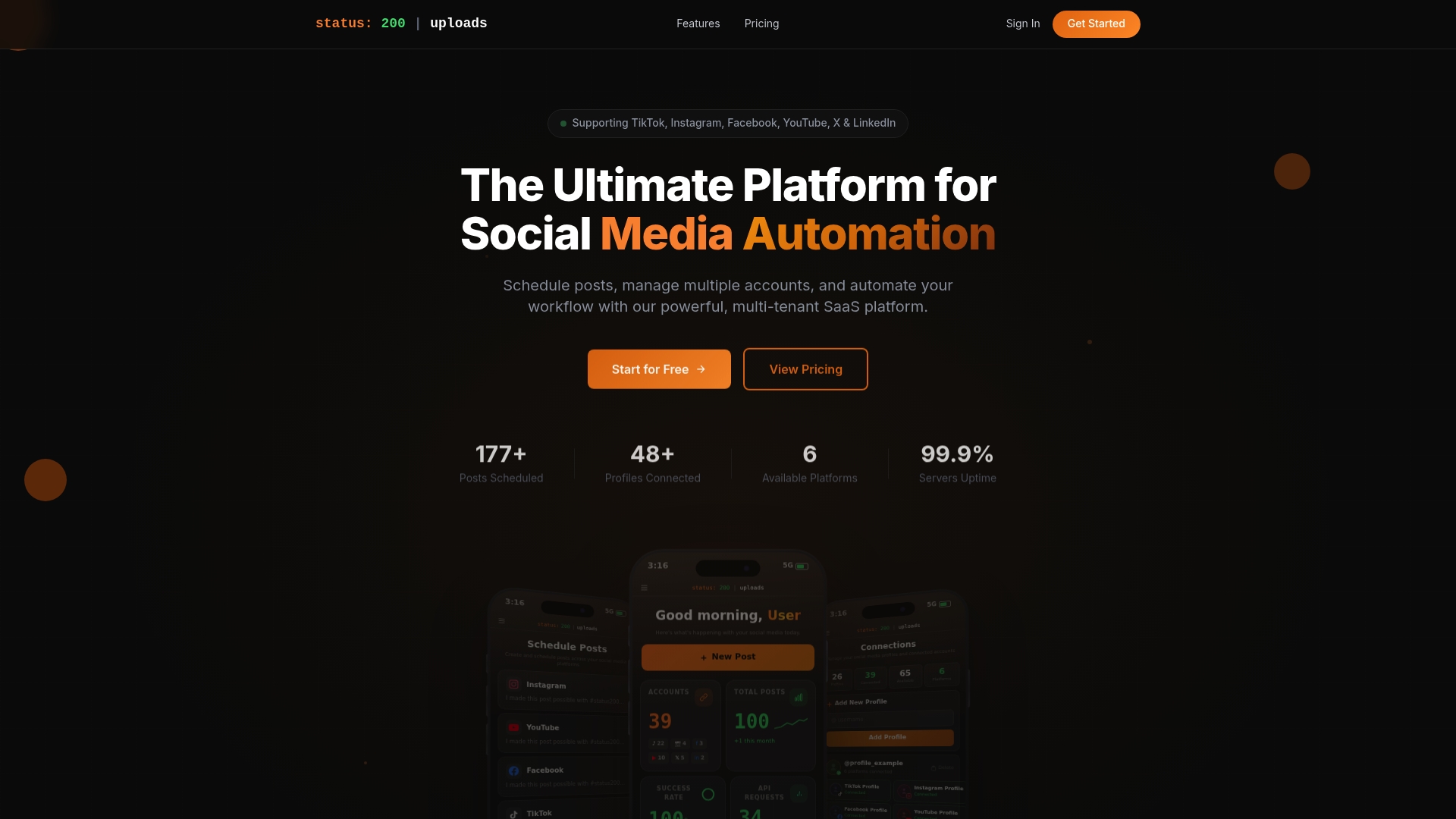
Status 200 Uploads brings all your social accounts into one dashboard, so you can schedule posts across TikTok, Instagram, Facebook, LinkedIn, YouTube, and X at their individual peak windows without toggling between apps. You get detailed post tracking, media organization, and support for rich media formats, so your content is always formatted correctly for each platform. For teams looking to understand how it stacks up, the Status 200 Uploads vs Publer comparison breaks down the differences in features, pricing, and workflow support. If you are ready to stop guessing and start posting with precision, explore what Status 200 Uploads can do for your content schedule today.
Frequently asked questions
How often should I review and adjust my social media posting times?
Review your analytics and refine your posting schedule at least quarterly to adapt to audience behavior changes, since seasonal shifts and algorithm updates can meaningfully alter peak engagement windows.
Do optimal posting times differ between platforms?
Yes, each platform’s audience has unique peak engagement windows, so you should adjust your timing strategy individually for Instagram, Facebook, TikTok, LinkedIn, and X rather than using a single universal schedule.
Are automation tools effective for optimizing posting times?
Automation tools let you schedule posts for peak times across multiple platforms consistently, which improves timing accuracy and reduces the manual effort required to maintain a reliable posting cadence.
Does content quality or timing impact engagement more?
High-quality, relevant content typically drives stronger engagement than timing alone, especially since platform algorithms reward content that earns early interactions regardless of the exact hour it was published.