Facebook post management strategies that drive real engagement
Unlock engagement with our guide explaining Facebook post management. Discover strategies to boost visibility and drive meaningful reactions!

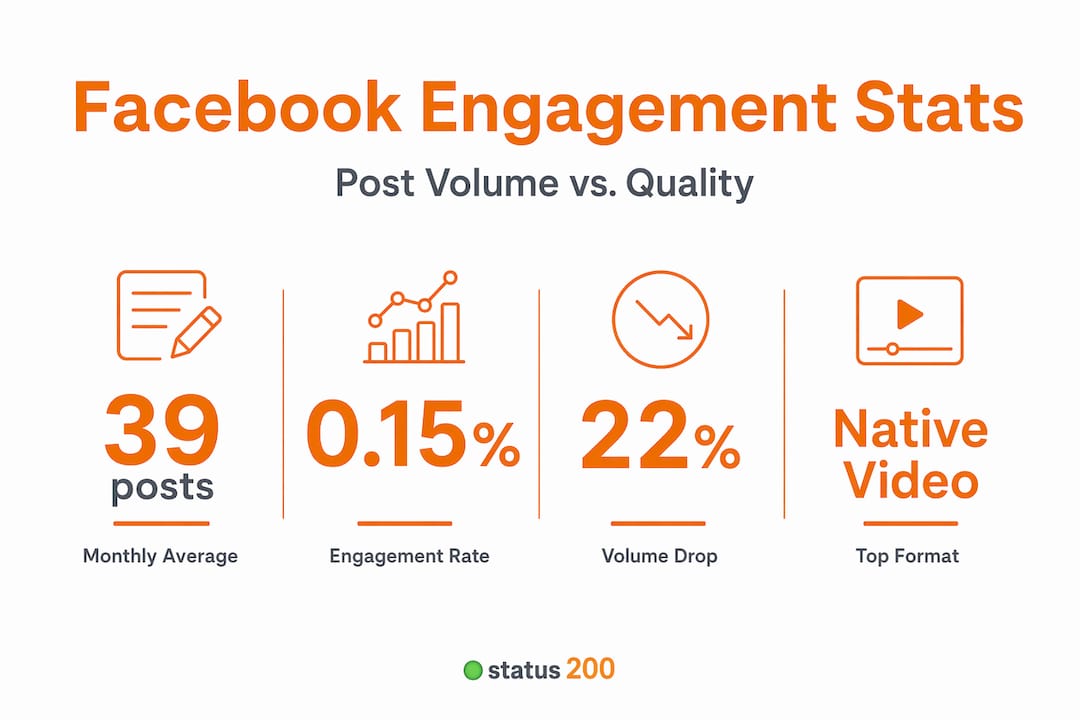
Posting consistently to Facebook and watching the likes roll in sounds simple enough. But here’s the uncomfortable reality: Facebook’s average engagement rate hovers around just 0.15%, meaning most content published by small to medium-sized businesses gets almost no meaningful reaction. That number should reframe how you think about every post you schedule. This guide breaks down what Facebook post management actually involves, how to build a workflow that matches the way the algorithm and your audience actually behave, and which tactics consistently produce results worth measuring.
Table of Contents
- What is Facebook post management and why does it matter?
- Setting the right posting cadence and content mix
- Choosing formats for meaningful Facebook engagement
- More than just posting: Community management essentials
- Why quality always tops quantity: A practitioner’s take
- Take control of your Facebook post management
- Frequently asked questions
Key Takeaways
| Point | Details |
|---|---|
| Strategy beats volume | Posting less but with targeted, tested content leads to more engagement than flooding feeds with frequent posts. |
| Native formats win | Facebook favors native video and Stories over link posts for driving user interaction. |
| Community is critical | Handling comments and inboxes is part of effective post management, not just publishing. |
| Tools make it easier | Using scheduling software and calendars increases consistency and saves time for busy teams. |
What is Facebook post management and why does it matter?
Facebook post management is not just about hitting the “publish” button on a regular schedule. It’s the full system that covers planning, content creation, scheduling, format selection, performance tracking, and audience engagement. When any of those pieces are missing, you end up with a lot of effort going nowhere.
Many brands fall into the trap of treating Facebook like a bulletin board: push out content and hope something sticks. Without a strategic framework behind each post, you’re essentially guessing. And guessing is expensive when your time and budget are limited.
Here’s what a properly managed Facebook presence actually includes:
- A content calendar that maps posts to business goals, campaigns, and audience interests
- Post diversity across formats (video, images, Stories, link posts, polls)
- Consistent scheduling based on when your audience is actually online
- Regular engagement analysis to understand what’s working and what isn’t
- Adaptation loops where underperforming content gets replaced with tested alternatives
“Managing your posting cadence means being willing to post less if the data tells you to. Reducing posting volume can actually be a sign of a brand maturing into performance reality rather than chasing vanity metrics.” Facebook Benchmarks 2026
Building a social media calendar is the first practical step. It forces you to plan with intention rather than scramble for content ideas each week. Pair that with Facebook pro page management tips to keep your setup optimized at the platform level, and you have a solid foundation to build on.
The payoff for getting this right is real. Brands with structured post management tend to see more consistent engagement, faster response times to trends, and better return on the time they invest in content creation.

Setting the right posting cadence and content mix
Once you understand what post management involves, the next question is practical: how often should you post, and what should you post?
The answer might surprise you. Brands reduced posting volume by 22% year over year, landing at an average of about 39 posts per month. That’s roughly one post per day. But the more important insight is that this reduction didn’t hurt performance. In many cases, it helped. Fewer posts with more intentional content outperformed higher-volume approaches.
Here’s a benchmark table to anchor your planning:
| Posts per month | Typical result | Notes |
|---|---|---|
| Under 20 | Inconsistent visibility | Too little to build momentum |
| 20 to 39 | Balanced performance | Sweet spot for most SMBs |
| 40 to 60 | Mixed results | Works only with strong content quality |
| Over 60 | Diminishing returns | Algorithm penalizes low engagement posts |
Your content mix should follow a similar logic. Not every post type performs equally, and rotating formats keeps your audience from tuning you out.
Here’s a numbered workflow to build your balanced content calendar:
- Audit your last 90 days of posts. Identify your top five and bottom five performers by engagement rate (comments plus shares divided by reach).
- Categorize by format. Note which post types appear most in each group.
- Set format ratios. A practical starting point: 40% native video or Reels, 30% images or carousels, 20% text or link posts, 10% interactive formats like polls or Stories.
- Map posts to your calendar. Assign each content slot a format and topic before the week starts.
- Review weekly. Adjust the ratio based on what your data shows, not what you assumed would work.
Pro Tip: If you’re posting more than once a day and engagement is flat or falling, cut your frequency in half before you change your content. Over-posting trains the algorithm to show your content to fewer people because low-engagement posts signal low relevance.
Exploring top media formats for each platform gives you a clear picture of what performs well and why. And if you want to remove the manual effort from your scheduling workflow, social media automation can handle the mechanical parts while you focus on creating. For additional structure, check out these workflow tips for Facebook management to build a process that runs smoothly week to week.
Choosing formats for meaningful Facebook engagement
Format is not a cosmetic choice. It’s a strategic one. The format you choose determines whether your post earns a scroll-past or a comment, a share or a save.
Facebook’s average engagement rate being as low as 0.15% means that the margin for error on format selection is thin. You need to pick formats that encourage interaction, not just views. And the data consistently points to native formats as the strongest performers.
Native video (video uploaded directly to Facebook rather than shared from another platform) tends to generate more reach and more engagement than almost any other format. Facebook’s algorithm actively favors content that keeps users on the platform, and native video does that better than a link that takes users somewhere else.
Here’s a quick comparison of common formats and where they work best:
| Post format | Best use case | Engagement level | Algorithm favor |
|---|---|---|---|
| Native video | Education, tutorials, storytelling | High | Very high |
| Reels / Short video | Trend participation, quick tips | High | Very high |
| Image or carousel | Product showcases, step-by-step content | Medium | Medium |
| Text-only post | Opinions, questions, announcements | Medium (niche) | Medium |
| Link post | Driving traffic to blog or site | Low | Low |
| Poll or interactive | Gathering opinions, boosting comments | High | High |
Link posts can underperform compared to native formats because Facebook’s algorithm deprioritizes content that takes users off the platform. That doesn’t mean you should never use links. It means you should be intentional about when and how you use them. One approach: post native video content and include the link in the first comment rather than the post body itself.
Actionable tactics to boost engagement across all formats:
- Ask a direct question at the end of every post to encourage comments
- Use a clear call to action that tells people exactly what to do next
- Lead with the most compelling visual in the first two seconds of any video
- Keep captions focused with one clear message per post rather than overloading with information
- Test two variations of the same content with different formats or opening lines
Solid media management strategies help you keep your visual assets organized and ready to deploy across the formats that perform best. And if you want more detailed guidance on format selection, choose engaging post formats breaks down the decision-making process clearly.
More than just posting: Community management essentials
Here’s where a lot of social media managers draw the wrong boundary. They treat post management as ending the moment a post goes live. But that’s only half the job.
Facebook post management must also include community operations, including responding to comments, handling inbox messages, moderating discussions, and proactively engaging with your audience. Ignoring these interactions doesn’t just hurt relationships; it hurts reach. Facebook’s algorithm tracks how much genuine conversation happens on your posts. A post with ten comments and five replies from the brand gets more distribution than a post with the same initial reach but zero follow-up.
Think of your post as the opening move in a conversation. The community management that follows is what determines whether that conversation grows or dies.
Tasks that belong in every community management workflow:
- Comment responses within two to four hours of posting, especially in the first hour
- Inbox monitoring at least twice per day, since response time affects your page’s response rate badge
- Comment moderation to remove spam and flag inappropriate content before it affects brand perception
- Proactive engagement on relevant posts in your niche, not just your own page
- Pinned comments that direct users to helpful resources or extend the conversation thread
Pro Tip: Build shift-based routines into your team schedule. Assign one person to cover inbox and comments in the morning and another in the afternoon. This keeps response times fast without burning anyone out. For solo managers, block two 20-minute windows each day specifically for community engagement.
The key to keeping all of this manageable is centralizing your workflow. If you’re juggling multiple pages or accounts, the right tools let you centralize social media management so nothing falls through the cracks. For deeper guidance on the human side of this work, community management tips offers practical frameworks you can implement immediately.
Why quality always tops quantity: A practitioner’s take
Here’s something you won’t hear often enough in conversations about Facebook strategy: posting more is almost never the answer.
We’ve seen brands cut their post frequency in half and watch their engagement metrics climb. Not because of some algorithm trick, but because when you post less, each post gets more attention, more creative energy, and more follow-up engagement. The math is actually simple. If you have ten hours per week for content, you can produce five mediocre posts or two excellent ones. The excellent ones almost always win.
The conventional wisdom says you need to “stay visible” and “stay consistent” with high frequency. And consistency matters, absolutely. But there’s a difference between showing up regularly and flooding your audience’s feed with content that wasn’t ready to be published.
Facebook engagement averages around 0.15% in recent benchmarks, which means the bar for “meaningful interaction” is already low. When you post high volumes of low-quality content, you train both the algorithm and your audience to ignore you. The algorithm sees that users aren’t engaging, so it reduces your distribution. Your audience sees repeated uninspiring content, so they scroll past without thinking.
The brands that break out of this cycle do one thing differently: they treat each post as a deliberate act with a clear goal and a measurable outcome. They ask, “What do we want this post to do?” before they ask, “What should we post today?”
If you’re managing Facebook for an SMB, the most powerful shift you can make right now is to reduce your posting volume by 20% and reinvest that time into community engagement and content quality. You’ll likely see results within three to four weeks. And when you’re ready to evaluate your tools and workflow, top social media tools for SMBs gives you an honest comparison to help you find the right setup.
Take control of your Facebook post management
Managing Facebook well means combining smart strategy with the right tools. When you’re tracking post formats, managing community engagement, maintaining a content calendar, and scheduling across multiple accounts, doing it manually is a recipe for burnout and missed opportunities.
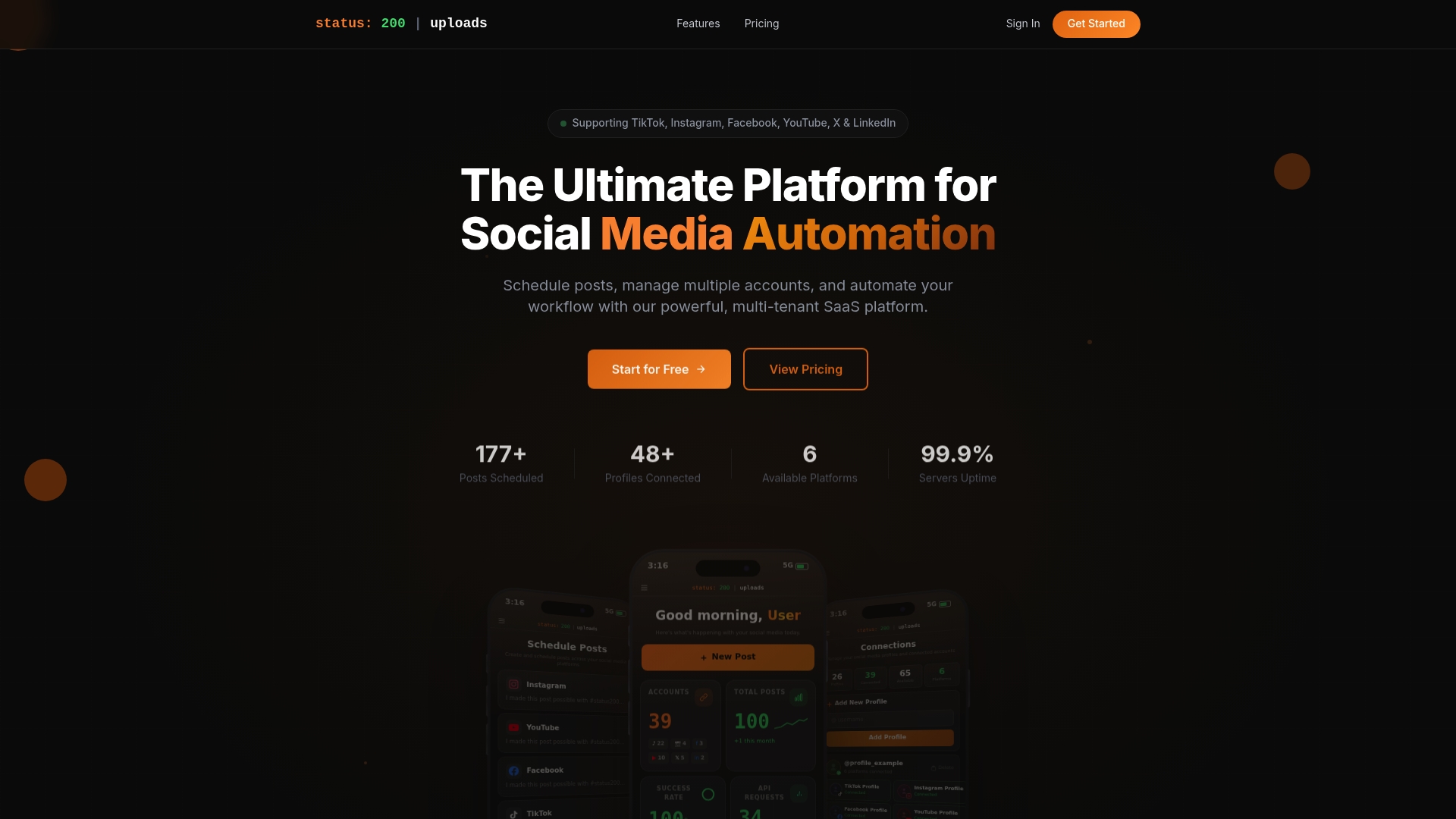
Status 200 Uploads is built for exactly this kind of workflow. You can schedule Facebook posts alongside content on TikTok, Instagram, LinkedIn, YouTube, and X from a single dashboard, keep your media organized and ready to deploy, and track post performance without jumping between platforms. Automation integrations with Zapier and Make.com mean your workflow can run on its own while you focus on strategy and community. If you want to see how it stacks up, you can compare Status 200 Uploads to Publer side by side and choose the platform that fits your team’s actual needs.
Frequently asked questions
How many Facebook posts should a business publish per month?
Research shows brands average about 39 posts per month after reducing volume by 22% year over year, so quality and engagement matter far more than raw frequency.
What Facebook post types deliver the best engagement?
Native video and Stories consistently outperform link posts and static images because Facebook’s algorithm rewards content that keeps users on the platform longer.
Is responding to comments and messages part of post management?
Absolutely. Effective post management means treating communications as part of the publishing system, not a separate task you get to when time allows.
Why is my Facebook engagement rate so low?
The platform average sits at 0.15%, so low rates are normal. Focus on native formats and genuine audience interaction to move your numbers meaningfully above that baseline.
Do I need special tools to manage Facebook posts effectively?
A scheduling platform combined with a clear content calendar makes it significantly easier to maintain consistency, test formats, respond to your community on time, and track what’s actually working.