What is Instagram automation? A guide for efficient posting
Discover what is Instagram automation and how it can save you time, enhance your posting strategy, and boost engagement effectively.

Most social media managers assume that flipping on Instagram automation is like hiring a tireless assistant who will grow their account while they sleep. The reality is more nuanced. Instagram organic engagement rates hover well below 1% on average, meaning automation alone will not rescue a weak content strategy. What automation can do is free up hours each week, ensure consistent publishing, and reduce the manual grind of managing multiple accounts. This guide explains exactly how Instagram automation works, where the real risks lie, and how to use it without putting your account in jeopardy.
Table of Contents
- Defining Instagram automation: Core concepts and tools
- How Instagram automation works: From posting to messaging
- Risks and benchmarks: What SMBs need to watch out for
- Best practices for safe, effective Instagram automation
- A nuanced take: Why less automation can mean more results
- Level up your Instagram workflow with smarter automation
- Frequently asked questions
Key Takeaways
| Point | Details |
|---|---|
| Automation’s core value | Instagram automation saves time by handling repetitive posting and reporting tasks for busy SMB teams. |
| Compliance is critical | Using the official API and respecting the 24-hour messaging window helps keep your account safe from restrictions. |
| Focus on safe actions | Automate only posting and analytics, not engagement actions like mass following or DMing. |
| Benchmark your results | Use Instagram’s format-based engagement benchmarks to assess automation’s true impact on your account. |
| Simplify your stack | Relying on one approved tool minimizes risk compared to using multiple overlapping automation platforms. |
Defining Instagram automation: Core concepts and tools
Instagram automation refers to software that handles repetitive, time-consuming tasks on your behalf. At a basic level, this means scheduling posts, publishing content at optimal times, sending templated replies, pulling performance reports, and distributing the same content across multiple platforms simultaneously. For a small marketing team managing several brand accounts, this kind of support is not a luxury; it is a practical necessity.
Understanding social media automation basics helps clarify the categories involved. There are two distinct types of automation, and they carry very different risk profiles.
Publishing automation handles the when and where of content. You create a post, upload your media, set a time, and the tool publishes it for you. This category includes cross-platform scheduling, media library management, and post tracking. It is generally safe, compliant with platform rules, and the most common reason SMBs adopt automation tools.
Engagement automation handles interactions: auto-liking posts, auto-following accounts, sending bulk DMs to cold audiences, and similar behaviors. This is where most account bans and restrictions originate. As Instagram automation experts note, publishing automation is generally safer than engagement manipulation, which is precisely where Instagram’s algorithms and policy enforcement focus their attention.
Here is a quick breakdown of the most common automation use cases:
- Scheduled posting: Queue content days or weeks in advance for automatic publishing.
- Cross-platform distribution: Push one piece of content to Instagram, Facebook, LinkedIn, TikTok, and more from a single workflow.
- Automated replies: Send pre-written responses to common DM triggers or story replies.
- Analytics and reporting: Pull engagement metrics automatically instead of compiling them by hand.
- Media organization: Store and label visual assets for reuse across campaigns.
| Automation type | Common tasks | Risk level |
|---|---|---|
| Publishing automation | Scheduling, cross-posting, media management | Low |
| Messaging automation | Auto-replies, chatbots within policy | Medium |
| Engagement automation | Mass liking, auto-follows, cold DMs | High |
Choosing top social automation tools that focus on publishing and workflow rather than engagement manipulation is the first smart decision any SMB team can make. Keeping content marketing under control becomes far easier when you are working with tools built for compliance, not shortcuts.
How Instagram automation works: From posting to messaging
Now that you know the types and goals of automation, let’s look at how the process works, especially the intricacies of posting versus messaging.

Most reputable automation platforms connect to Instagram through the official Instagram Graph API. This is the approved channel through which third-party software communicates with Instagram’s servers. When you schedule a post, the tool stores your content, waits for the designated time, then sends a publish request through the API. Instagram receives it as a legitimate, authorized action. No tricks, no scraping, no policy violations.
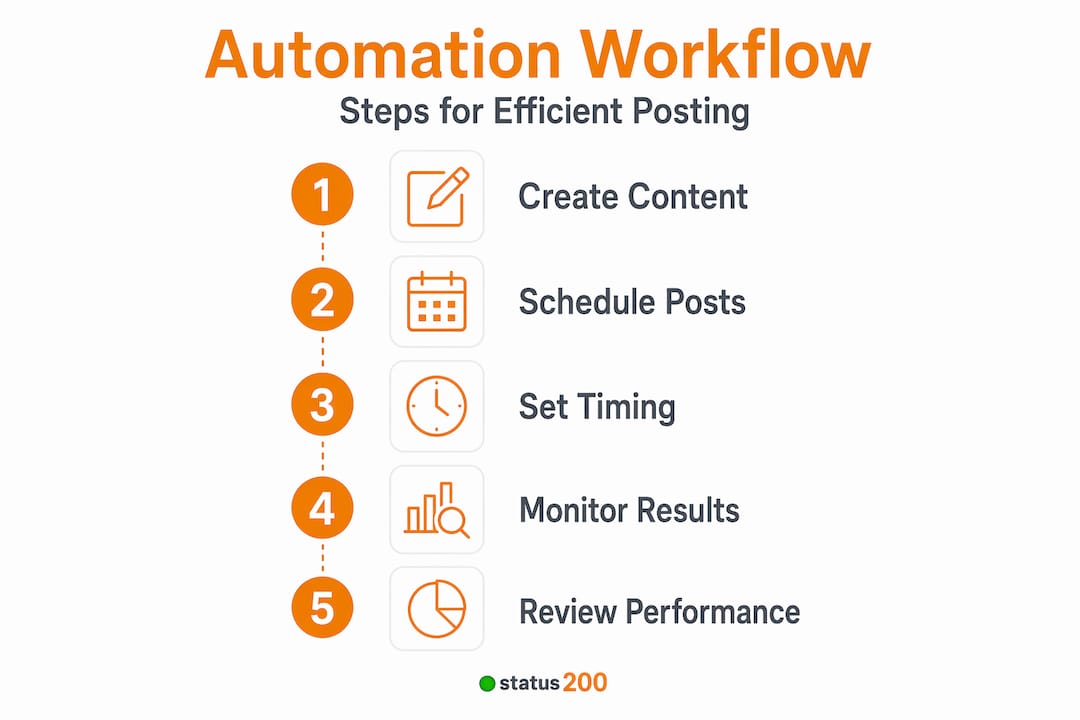
Here is how a standard scheduled post workflow looks in practice:
- Connect your account via secure OAuth (a token-based authentication system that does not share your password with the tool).
- Create your post by uploading media, writing your caption, adding hashtags, and tagging any collaborators.
- Set your publish time based on your audience’s peak activity windows.
- Review and queue the post in your content calendar.
- The platform publishes automatically at the scheduled time via the Instagram Graph API.
- Track performance through your dashboard’s analytics after publishing.
Messaging automation is a different story, and this is where many SMBs get tripped up. Instagram enforces a strict 24-hour messaging window for outbound automated messages. Essentially, once a user sends you a message, you have 24 hours to respond through automated or API-driven means. After that window closes, automated outbound messages are blocked until the user engages again. This rule exists to prevent brands from blasting unsolicited messages to cold inboxes.
If your team is using a chatbot or automated reply sequence for DMs, you need to build your workflow around this window. Trigger-based responses (replies sent within 24 hours of a user’s first message) are compliant. Proactive outreach to users who have not messaged you is not.
Pro Tip: Use a centralized social media dashboard to manage Instagram messaging alongside your scheduled posts. This gives your team a single place to monitor reply windows, track conversations, and ensure no DM response falls outside compliance boundaries.
Maintaining API compliance is not just about avoiding bans. It protects your account’s long-term health, prevents shadowbans (where your content is silently suppressed without notification), and keeps your publishing pipeline running smoothly.
Risks and benchmarks: What SMBs need to watch out for
Understanding process mechanics leads to the real-world question: what risks exist and how should results actually be evaluated?
The most underappreciated risk in Instagram automation is the automation stack problem. Many SMBs layer multiple tools on top of each other because they want to cover every function: one tool for scheduling, another for DMs, another for analytics, maybe another for hashtag research that also auto-comments. Each of these tools communicates with the Instagram API independently. When multiple tools send overlapping requests, especially for messaging or interaction actions, rate limits compound quickly and the risk of triggering Instagram’s restriction systems rises sharply. This is not a theoretical edge case; it happens regularly to SMBs who assume “more tools equals more coverage.”
The second risk is misreading your results. Many teams adopt automation, see no dramatic spike in engagement, and conclude that the tool is not working. But that framing misunderstands Instagram’s organic engagement benchmarks. Average engagement per post rarely breaks 0.5%, even for well-managed accounts with strong content. Variation depends heavily on follower count, content format, and niche.
| Content format | Typical engagement rate range | Notes |
|---|---|---|
| Reels | 0.5% to 1.5% | Highest reach potential |
| Carousels | 0.3% to 0.8% | Strong for saves and shares |
| Static images | 0.1% to 0.5% | Declining relative to video |
| Stories | Measured by views, not likes | Engagement format is different |
“Automation should be evaluated against format-based and follower-tier benchmarks, not against an imaginary baseline where automation was supposed to dramatically increase engagement on its own.”
This is a critical mindset shift. Automation is an efficiency tool, not a growth hack. Evaluate your scheduled posts against the benchmarks for your specific social post format and follower tier. If your Reels are hitting 0.8% engagement consistently, that is a respectable outcome. Comparing that to an influencer’s 5% rate without accounting for audience size and niche is misleading. For context on realistic growth trajectories, reviewing Instagram growth benchmarks by tier can recalibrate your expectations productively.
Pro Tip: Before adopting any automation tool, document your current average engagement rate by format. This becomes your real baseline, and any improvement after automation adoption can be measured honestly against it.
The highest-risk behaviors remain mass liking, auto-following, and cold DM blasts. These actions look unnatural to Instagram’s systems because they happen at volumes and speeds no human could replicate. Accounts caught doing this face temporary action blocks, permanent restrictions, or outright suspension.
Best practices for safe, effective Instagram automation
With risks and benchmarks clear, let’s focus on practical and safe approaches for daily Instagram automation use.
The single-tool rule is the most important practice you can adopt. Pick one platform that covers your core needs: post scheduling, cross-platform publishing, analytics, and account management. Consolidating these functions into one tool dramatically reduces API friction and prevents the stacking problem described above.
Here is a step-by-step approach to implementing safe Instagram automation for an SMB team:
- Audit your current workflow to identify which tasks consume the most time (usually scheduling and reporting).
- Choose one API-approved tool that connects via official OAuth and does not require your Instagram password.
- Set up your content calendar two weeks in advance, batching content creation sessions to save time.
- Define format-specific KPIs based on industry benchmarks, not just follower count.
- Establish a weekly review routine to check post performance and adjust your scheduling cadence if needed.
- Review your account permissions quarterly to revoke access for any tools you no longer use.
For teams managing more than one brand, multi-account management tips matter enormously. Each account should have its own set of permissions and its own content calendar to avoid cross-posting errors or accidental overlap in messaging sequences.
Here are the specific actions to avoid, no matter how tempting the promised results may sound:
- Mass following and unfollowing in rapid cycles to inflate follower counts
- Auto-liking posts based on hashtag searches at high volume
- Sending promotional DMs to users who have not initiated a conversation
- Using unofficial scraping tools that bypass the Graph API entirely
- Buying engagement through third-party services that violate Instagram’s terms
Because average organic engagement rates can be well under 1%, SMBs should always compare automated posting results against format and follower-tier benchmarks. Seeing 0.6% on a carousel for a 5,000-follower account is not a failure; it is a normal outcome for that tier. Chasing higher numbers through risky engagement automation only trades short-term vanity metrics for long-term account health. For broader context on all-in-one marketing platforms, understanding where automation fits within a larger marketing stack helps SMBs allocate their tech budget wisely.
Pro Tip: Schedule a 30-minute monthly review where your team checks which connected apps still have API access to your Instagram account. Revoke anything unused. Every connected app is a potential security and compliance variable.
A nuanced take: Why less automation can mean more results
Here is a perspective you will not find in most automation tool marketing copy: the brands that see the best long-term results from Instagram are almost always the ones who automate less, not more.
This might sound counterintuitive, but it tracks when you look at what Instagram’s algorithm actually rewards. Authentic engagement, genuine replies, responsive story interactions, and real community conversations all signal to the algorithm that an account is active and trustworthy. When automation handles all of those touchpoints, the account’s behavior starts to look mechanical. Timing patterns become too regular. Replies become too generic. The algorithm notices.
The sweet spot for most SMBs is narrow automation: let software handle the scheduling, the cross-platform publishing, and the performance tracking. Keep the human element alive in comments, DMs, and interactive story features. This hybrid approach gives you the time savings of automation while preserving the authentic engagement signals that drive organic reach.
We have also seen teams at platforms built for SMB automation consistently outperform competitors that try to fully automate their Instagram presence. The difference is not the tool. It is the discipline to use automation for what it does well (consistency and efficiency) and leave human judgment in charge of what matters most (voice, tone, and real interaction).
The uncomfortable truth is this: no automation platform can compensate for mediocre content. A well-timed mediocre post is still a mediocre post. Automation’s real gift is that it gives your team more time to focus on content quality, strategy, and genuine community building. Use that time wisely.
Level up your Instagram workflow with smarter automation
After walking through the nuances, risks, and best practices of Instagram automation, the next logical step is finding a tool that was built with compliance and efficiency as core priorities, not an afterthought.
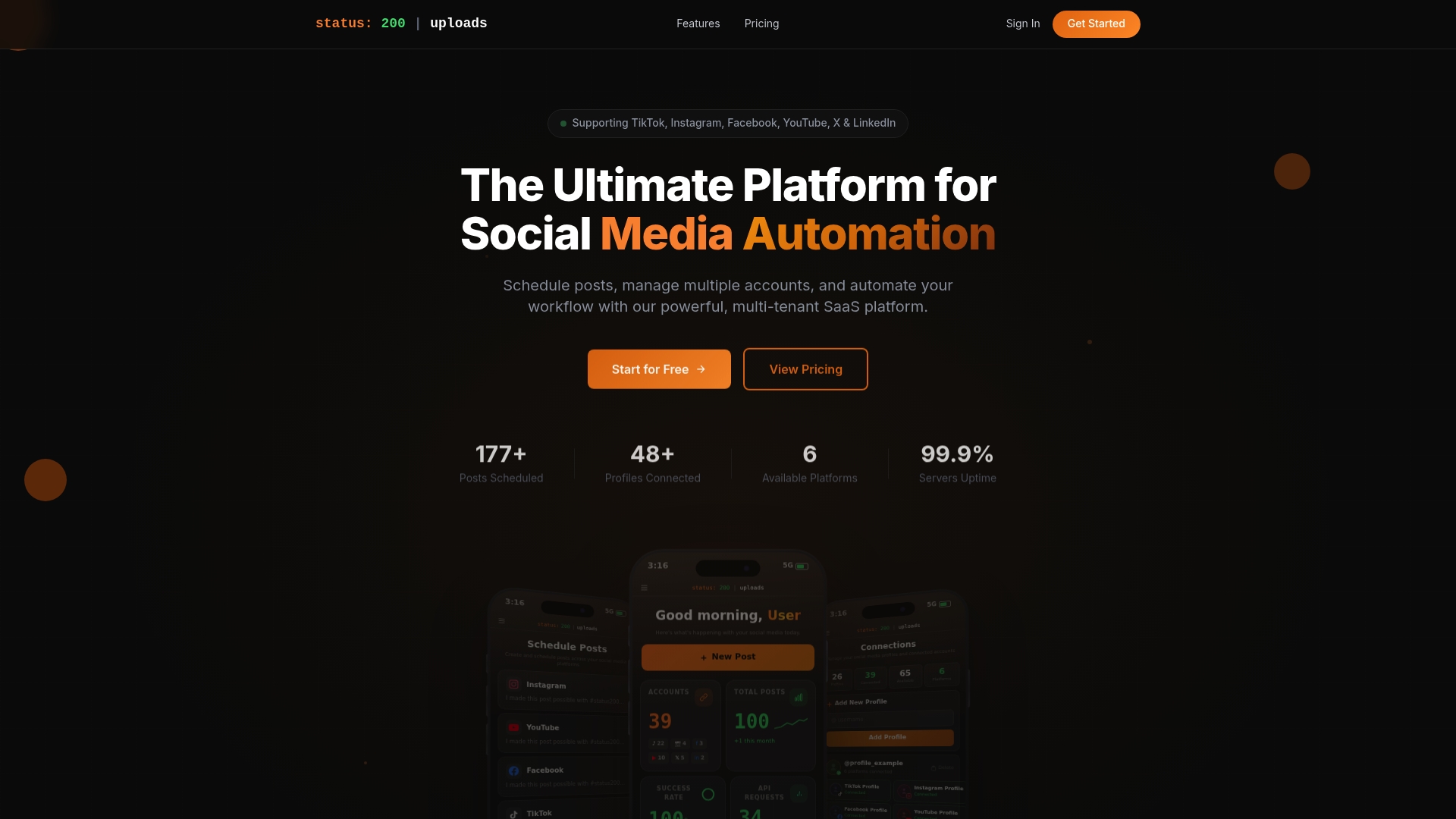
Status 200 Uploads is designed specifically for teams that want to automate Instagram posting without sacrificing account safety or content quality. Connect your Instagram account alongside TikTok, Facebook, LinkedIn, YouTube, and X through a single dashboard. Schedule posts, organize your media library, track performance, and manage multiple accounts with secure OAuth connections and full API compliance. Whether you are a solo marketer or a growing agency, Status 200 Uploads gives you a structured, reliable workflow that saves hours each week while keeping your accounts fully protected.
Frequently asked questions
Is Instagram automation allowed under Instagram’s policies?
Automation for posting and messaging is allowed when you use API-approved tools and follow compliance rules, including the 24-hour messaging window for outbound automated messages.
What types of Instagram automation are most risky?
Automating engagement actions like mass liking, auto-follows, and cold DMs carries the highest ban risk. As automation risk research shows, publishing automation is far safer than engagement manipulation.
How do I measure the success of Instagram automation?
Measure results against format-based engagement benchmarks by follower tier, not just against post frequency or raw follower counts.
Can I use multiple automation tools with one Instagram account?
Using multiple tools on the same account significantly increases risk, since overlapping API actions from different tools can compound rate issues and trigger Instagram restrictions.