Social Media Video Sizes 2026: The Cheat Sheet
Shape, pixels, length and file size for TikTok, Reels, Shorts, Facebook, Threads, X and LinkedIn, from each network's own docs.
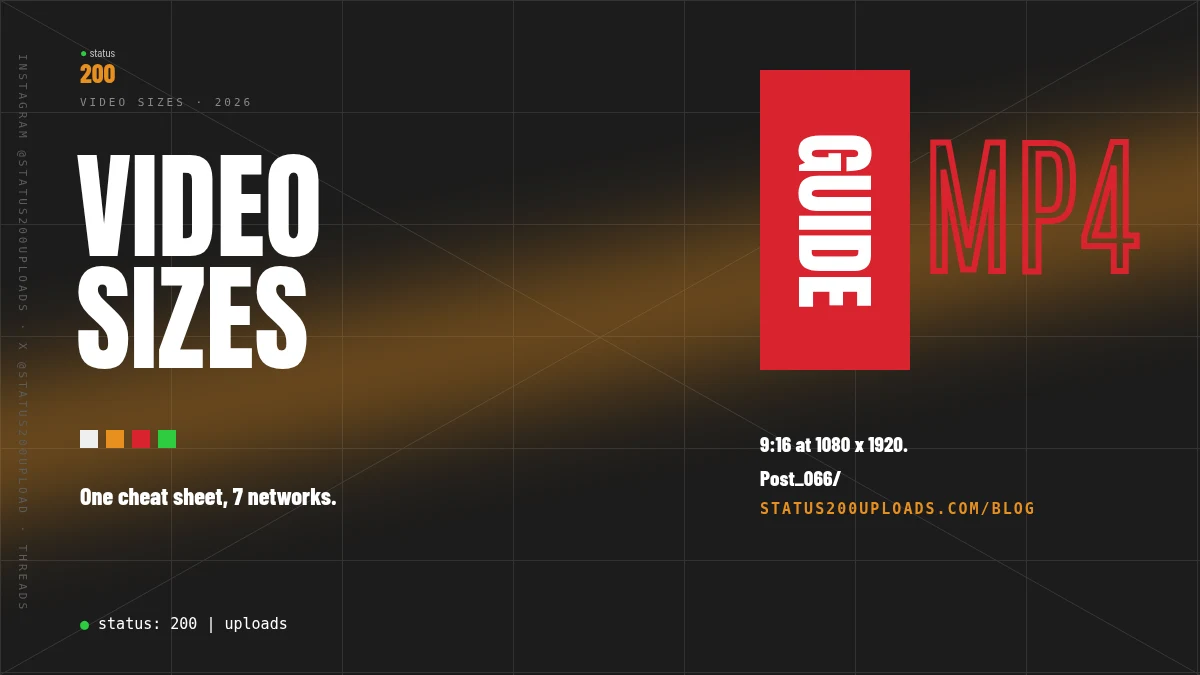
Short answer: For vertical video, export one 9:16 master at 1080 x 1920 pixels. That is the size Facebook recommends for Reels, Threads recommends 9:16 and takes up to 1920 pixels wide, TikTok takes 360 to 4096 pixels per side, and YouTube treats any square or vertical video of up to 3 minutes as a Short. What changes from network to network is the length and the file size, so the table below lists both, from each network's own documentation, checked on 28 October 2026.
Key Takeaways
| Point | Details |
|---|---|
| One master for vertical feeds | 9:16, 1080 x 1920, MP4 with H.264, 30 frames per second |
| Shortest limit | Facebook Reels: 3 to 90 seconds |
| YouTube Shorts | Square or vertical, up to 3 minutes, uploaded at up to 1080p |
| Smallest file limit through us | Instagram Reels: 300 MB and 15 minutes |
| X | Export a separate 720 x 1280 copy: X lists 1280 x 1024 as the largest dimensions |
| Check first | Our API refuses a file that is too big for a network with 413 MEDIA_TOO_LARGE before anything is sent |
The cheat sheet
| Network | Shape | Pixels | Length | File size through Status 200 Uploads |
|---|---|---|---|---|
| TikTok | Any shape within the pixel range | 360 to 4096 per side | As long as the account allows | 4 GB |
| Instagram Reels | Not checked for this table | Not checked for this table | Up to 15 minutes | 300 MB |
| YouTube Shorts | Square or vertical | Up to 1080p | Up to 3 minutes | 5 GB |
| Facebook Reels | 9:16 | 1080 x 1920 recommended, 540 x 960 minimum | 3 to 90 seconds | 5 GB |
| Threads | 9:16 recommended (0.01:1 to 10:1 accepted) | Up to 1920 wide | Up to 5 minutes | 1 GB |
| X | Between 1:3 and 3:1 | 720 x 1280 portrait, 1280 x 720 landscape recommended | 20 minutes (125 with Premium) | 5 GB |
| Not checked for this table | Not checked for this table | 3 seconds to 30 minutes | 5 GB, MP4, one video per post |
Pinterest is not in the table: through our API it takes image pins only, with 2:3 as the recommended ratio.
TikTok
TikTok's developer documentation lists a minimum of 360 pixels and a maximum of 4096 pixels "for both height and width", 23 to 60 frames per second, H.264 as the recommended codec, and "Maximum of 4GB". Through us, videos go up to 4 GB "(TikTok's own limit)" and can be as long as the TikTok account allows.
Instagram Reels
Instagram's limit for Reels posted through its API is 15 minutes and 300 MB, which is also the most we can send. Stories through the API are 60 seconds and 100 MB. Instagram's own pixel guidance could not be opened for this check, so it is left out of the table rather than guessed.
YouTube Shorts
YouTube's upload help says a Short needs to be "Up to 3 minutes" and have "a square or vertical aspect ratio", and that "You can upload Short videos with a maximum resolution of 1080p." There is no separate Shorts switch when you post through us: YouTube decides whether a short vertical video is shown as a Short. Channels that YouTube has not verified are limited to 15 minutes per video.
Facebook Reels
Meta's Reels publishing guide is the most specific of all: aspect ratio "9 x 16", "1080 x 1920 pixels (recommended). Minimum is 540 x 960 pixels", 24 to 60 frames per second and "3 to 90 seconds". A Reel published as a story on a Page "can not exceed 60 seconds."
Threads
The Threads API takes MOV or MP4 at 23 to 60 frames per second, a maximum of 1920 horizontal pixels, and "Required aspect ratio is between 0.01:1 and 10:1 but we recommend 9:16 to avoid cropping or blank space." Videos can be up to 5 minutes and 1 GB.
X
X's media best practices recommend "1280x720 (landscape), 720x1280 (portrait), 720x720 (square)" and add: "Subscribed users can upload a 1080p video and get 1080p playback. Unsubscribed users can upload a 720p video and get a 720p playback." The aspect ratio "must be between 1:3 and 3:1", and the advanced limits say dimensions "must be between 32x32 and 1280x1024", so a 1080 x 1920 master is outside them: export a 720 x 1280 copy for X. Video on a post can be 20 minutes by default and 125 minutes for Premium or verified accounts. X accepts files up to 8 GB; through us the limit is 5 GB, one video per post.
LinkedIn's Videos API lists a length of "Three seconds to 30 minutes." Through us, a LinkedIn post takes one MP4 video of up to 5 GB.
One master file for every vertical feed
If you post the same clip everywhere, these settings sit inside every documented range for TikTok, Facebook Reels, Threads and YouTube Shorts (X needs its own 720 x 1280 copy):
- 9:16 at 1080 x 1920. Facebook's recommended Reels size, inside TikTok's 360 to 4096 pixels, within Threads' 1920-pixel width, and 1080p for Shorts.
- MP4 with H.264. TikTok recommends H.264, Facebook recommends .mp4, and Threads takes MP4 with H264.
- 30 frames per second. Inside TikTok's and Threads' 23 to 60 and Facebook's 24 to 60, and one of the two frame rates X recommends.
- Cut per network for length. Trim to 90 seconds for Facebook Reels and 3 minutes for Shorts.
Export a clean master without another app's watermark, then cut it per network. If you repost clips, see what YouTube's Shorts originality update means for cross-posting.
Check a file before it posts
Every network has its own limit, so a file that suits TikTok can be too big for Instagram. Through our API, video sizes on every network are "checked on the server before anything is sent to the network: a file that is too large for the chosen network is refused with 413 and the error code MEDIA_TOO_LARGE". With "dryRun": true, a request runs every check a publish makes and sends nothing:
curl -X POST 'https://status200uploads.com/api/v2/posts' \
  -H 'Content-Type: application/json' \
  -H 'Authorization: Bearer rl_your_api_key' \
  -d '{
    "dryRun": true,
    "post": {
      "accountId": "@myprofile",
      "platform": "instagram",
      "content": {
        "text": "Behind the scenes, part 1",
        "mediaID": ["a1b2c3d4-e5f6-7890-abcd-ef1234567890"]
      },
      "instagram": { "postType": "reel", "shareToFeed": true }
    }
  }'
The answer is 200 with dry_run: true, an outcome (publish, queue, schedule or refuse), would_publish and, when it would not be sent, a reason. Sent for real, a file that is too big gets this answer from the API, and nothing reaches Instagram:
{
  "error": {
    "code": "MEDIA_TOO_LARGE",
    "message": "This video is 412.5 MB; Instagram accepts videos up to 300 MB. This is Instagram's own limit for Reels posted through its API (15 minutes; Stories 100 MB and 60 seconds).",
    "platform": "instagram",
    "limits_url": "https://status200uploads.com/docs/file-limits"
  }
}
Posting one video to several networks? Import it once and send one request per network. "A network whose limit is lower answers 413 MEDIA_TOO_LARGE and the other posts are not affected." Two posts to the same network need 20 seconds between them.
In n8n, our community node, verified by n8n on 26 October 2026, calls "the same REST API". "One node sends one post to one network", so a workflow uses one node per network, all with the same imported file.
FAQ
What is the best video size for all social media? For vertical feeds, 9:16 at 1080 x 1920 pixels. Facebook recommends it for Reels, Threads recommends 9:16, TikTok takes 360 to 4096 pixels per side, and YouTube Shorts go up to 1080p. For X, export a 720 x 1280 copy: X recommends it for portrait video and lists 1280 x 1024 as the largest dimensions.
What size is a YouTube Short? Square or vertical, up to 3 minutes long, uploaded at a maximum resolution of 1080p.
How long can a Facebook Reel be? 3 to 90 seconds. A Reel published as a story on a Page can't exceed 60 seconds.
What is the maximum video size for Instagram Reels? Through Instagram's API, 300 MB and 15 minutes. Stories are 100 MB and 60 seconds.
What video size should I use for X? 720 x 1280 for portrait video, which X recommends. X lists 1280 x 1024 as the largest dimensions and says subscribed users get 1080p playback, unsubscribed users 720p.
Sourced (checked 28 October 2026)
- TikTok for Developers, Content Posting API media transfer guide: https://developers.tiktok.com/doc/content-posting-api-media-transfer-guide
- YouTube Help, Upload YouTube Shorts: https://support.google.com/youtube/answer/12779649?hl=en
- YouTube Help, Get started creating YouTube Shorts: https://support.google.com/youtube/answer/10059070?hl=en
- Meta for Developers, Reels Publishing API: https://developers.facebook.com/docs/video-api/guides/reels-publishing/
- Meta for Developers, Threads API overview: https://developers.facebook.com/docs/threads/overview
- X Developer Platform, media best practices: https://docs.x.com/x-api/media/quickstart/best-practices
- Microsoft Learn (LinkedIn), Videos API: https://learn.microsoft.com/en-us/linkedin/marketing/community-management/shares/videos-api
- Status 200 Uploads, platform file limits: https://status200uploads.com/docs/file-limits
- Status 200 Uploads, API documentation: https://status200uploads.com/docs/api