Top 6 Postiz.com Alternatives 2026
Discover 6 postiz.com alternatives for effective content scheduling and management. Find the best options for your business needs.

Looking for something fresh to organize your thoughts or share ideas with your team There are many tools out there competing to make collaboration easier and more fun Each one brings its own features and style so the search for the right fit can lead to some interesting discoveries Some focus on creativity while others aim for speed or simplicity The choices might surprise you and the smallest detail could make all the difference Get ready to find new options that could change the way you work
Table of Contents
status: 200 | uploads
At a Glance
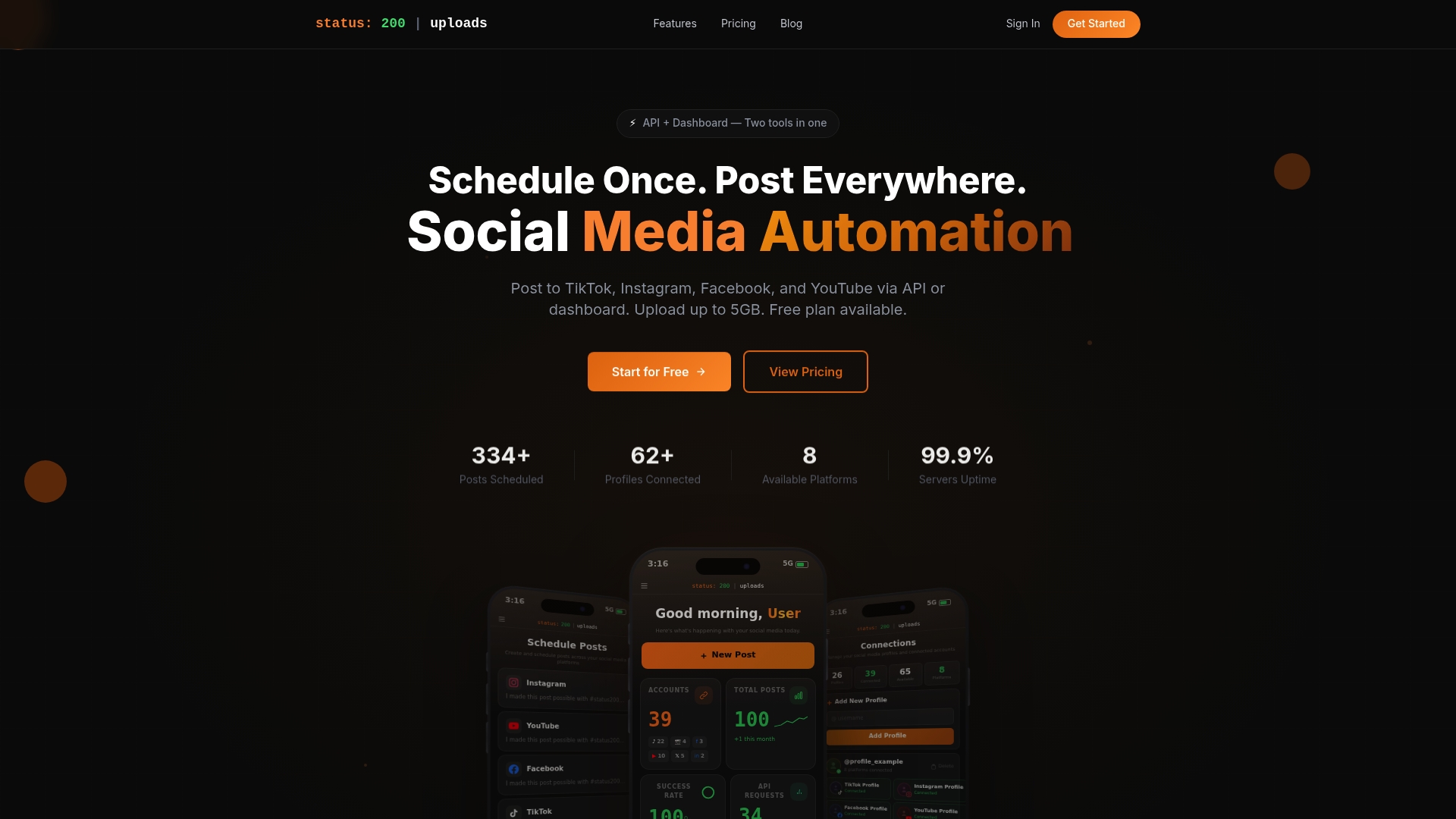
Status 200 | uploads is the leading choice for social media managers who need fast, reliable multi-account publishing from one place. It combines multi-platform scheduling and automation in a single dashboard so you spend less time switching apps and more time creating.
Core Features
Status 200 | uploads supports scheduling and posting to TikTok, Instagram, Facebook, YouTube, X, LinkedIn, Pinterest, and Threads from one interface. The platform includes an AI Caption Generator, media organization that accepts files up to 5GB, secure OAuth account connections, and a documented REST API for Zapier and Make.com integrations. It also offers analytics and control over platform specific post settings.
Pros
- It supports scheduling and posting to multiple social media platforms from one dashboard which saves you time and reduces errors.
- It offers a free plan with substantial features which lets small teams test the workflow before committing to paid plans.
- It includes AI Caption Generation which speeds content production and keeps tone consistent across profiles.
- It provides secure OAuth connections which protect account access while supporting multiple profiles per platform.
- It exposes an accessible API for automation and integration which allows developers to build custom workflows and bulk upload processes.
Who It’s For
This platform targets content creators, small businesses, social media managers, marketing agencies, and developers who need a reliable all in one scheduling and automation tool. If you manage multiple client accounts or publish across diverse platforms every week this product is tailored to your workflow.
Unique Value Proposition
Status 200 | uploads stands out because it blends robust automation with user friendly controls and developer friendly APIs. The product delivers high volume posting, team friendly account management, and platform specific settings while keeping costs predictable with a free tier and scalable paid plans. Sophisticated buyers choose it for the combination of automation, security, and extensibility that competitors rarely match.
Real World Use Case
A social media manager uses Status 200 | uploads to schedule weekly content for several clients across different platforms from one dashboard. They automate bulk uploads via the REST API, rely on AI generated captions to keep brand voice consistent, and use analytics to adjust posting cadence for each client.
Pricing
A free plan is available at $0 per month with generous limits for testing and small scale publishing. Paid plans range from 5EUR to 500EUR per month depending on features and the number of users or profiles, providing clear steps for scaling as needs grow.
Website
Website: https://status200uploads.com
Vista Social
At a Glance
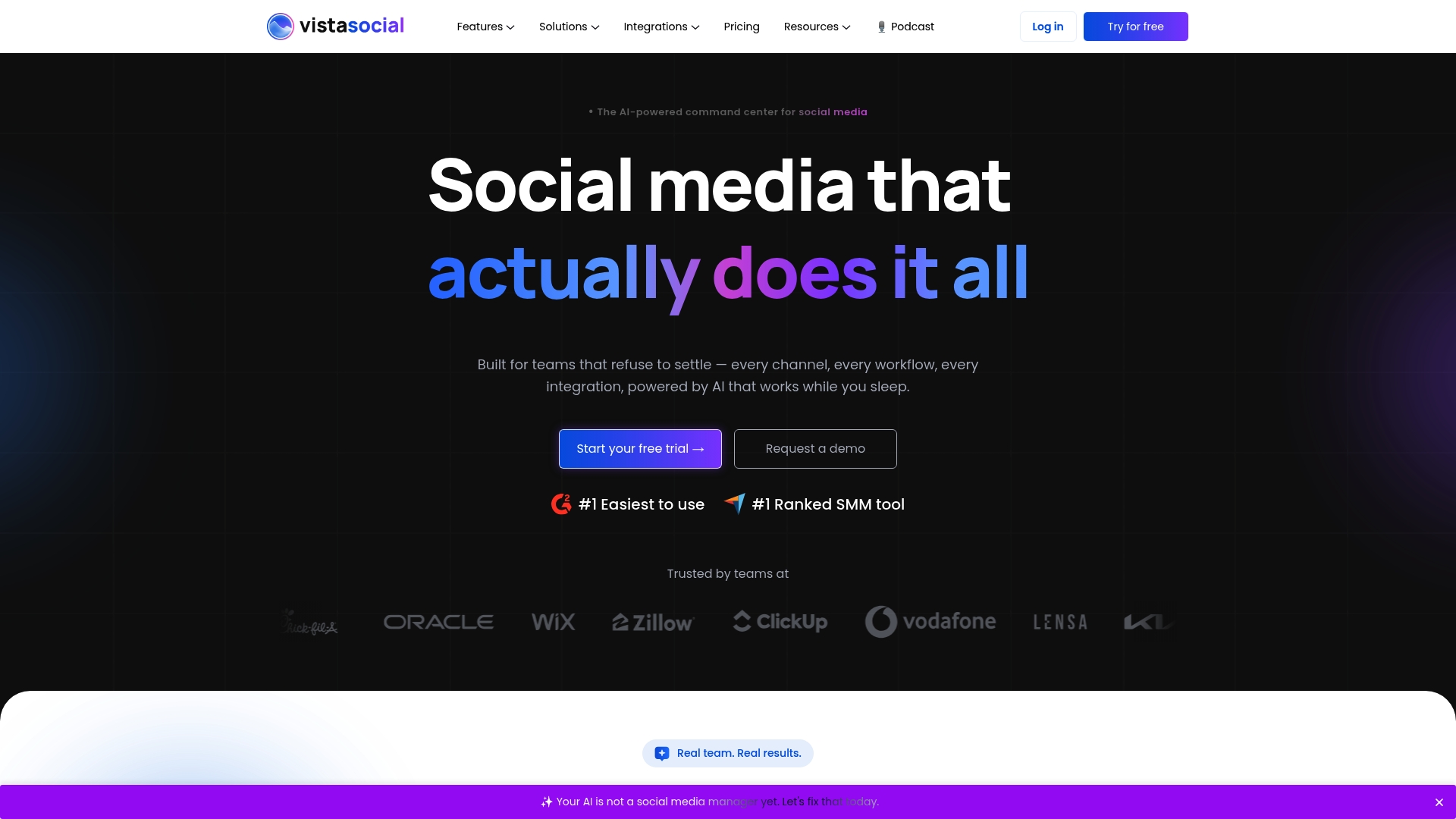
Vista Social is an AI powered command center for social media that groups publishing, engagement, analytics, listening, and review management under one roof. It appeals to teams that want centralized control and AI assistance for content creation and reporting.
Core Features
Vista Social focuses on five primary capabilities that support end to end social work. The platform emphasizes team collaboration, AI content tools, and cross platform publishing with monitoring and reporting built in.
- Publishing: plan, collaborate, and publish social content powered by AI.
- Engagement: manage comments, messages, and reviews to build relationships.
- Analytics: analyze social media performance and generate detailed reports.
- Listening: discover social conversations about your brand, industry, and competitors.
- Review Management: monitor and respond to reviews across Facebook, Google, Yelp, and more.
Pros
-
All in one platform provides a comprehensive feature set so you can manage posting, listening, and reporting from a single dashboard. This reduces context switching for social teams.
-
User friendly interface ranks highly for ease of use which helps onboard new team members faster and lowers training time.
-
Trusted by reviewers and companies which signals product maturity and reliability for agency and enterprise use.
Cons
-
Pricing can be high for small teams or individual users which makes the entry cost a real consideration for freelancers and tiny in house teams.
-
Some advanced capabilities require add ons or higher tier plans which can push costs up when you need listening, review management, or extra profiles.
Who It’s For
Vista Social suits marketing teams, social media managers, agencies, creators, and enterprises that manage multiple social profiles and want AI support for content and reporting. The platform fits organizations that value centralized workflows and collaboration across clients or departments.
Unique Value Proposition
The platform’s unique strength is the integration of AI with a full suite of social tools in one dashboard. By combining Publishing, Engagement, and Analytics with listening and review management, Vista Social aims to reduce tool fragmentation for teams managing multiple accounts.
Real World Use Case
A digital marketing agency uses Vista Social to manage multiple client accounts by scheduling posts in batches, coordinating team approvals, responding to follower messages from a unified inbox, and producing client reports that pull analytics across platforms.
Pricing
Plans start from $64 per month for the Professional plan with higher tier plans available for more profiles, users, and advanced features. Custom enterprise solutions with additional capacity and support are also available.
Website: https://www.vistasocial.com
PostEverywhere
At a Glance
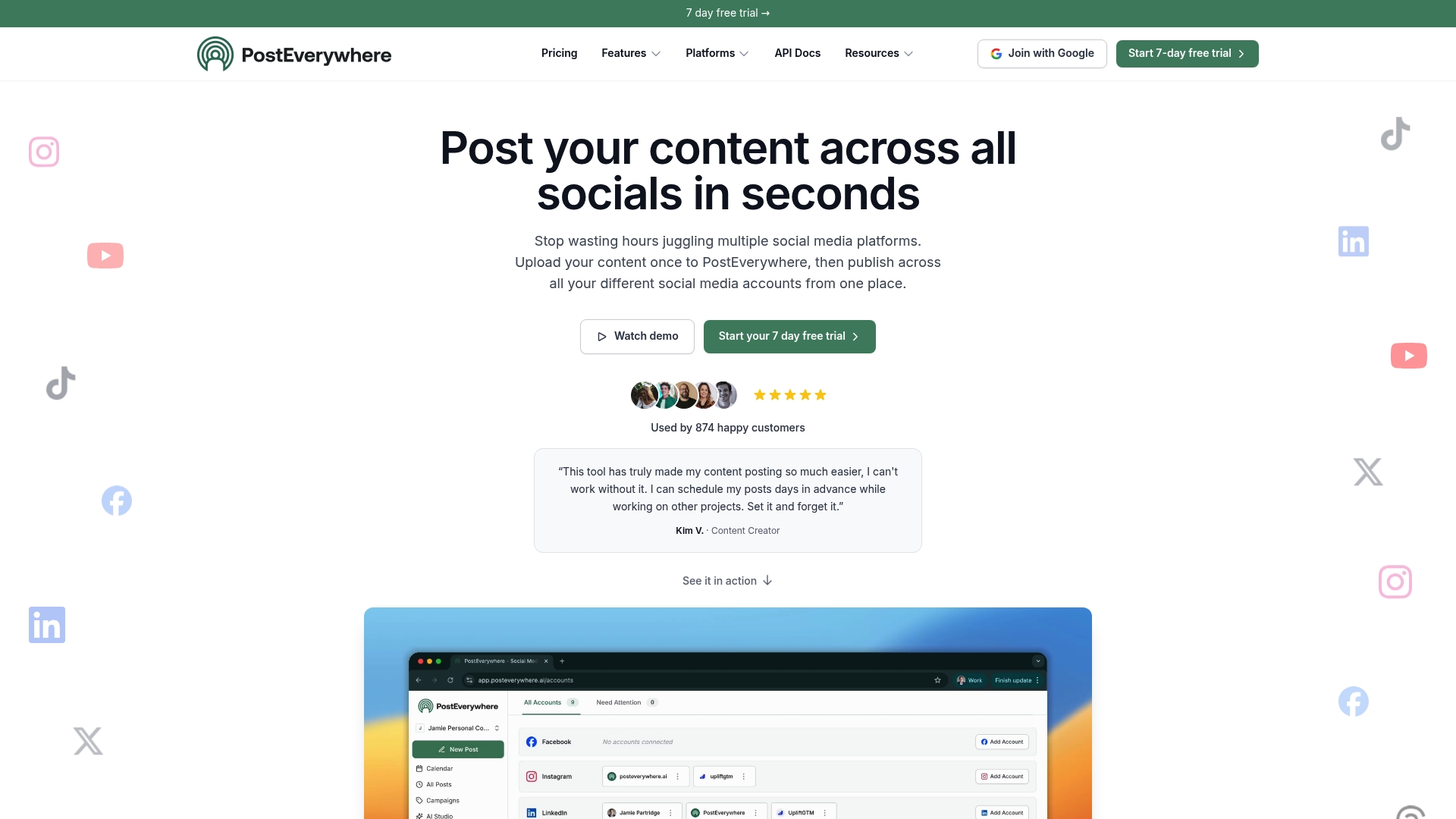
PostEverywhere is an all-in-one social media manager that combines planning, creation, scheduling, and analysis into a single dashboard. It works well for teams that need AI-powered content generation and cross-platform publishing without juggling multiple tools.
Core Features
PostEverywhere offers a content calendar, cross-platform publishing, bulk scheduling, and multi-account management to handle several clients or brands from one place. It also includes AI content creation for captions, images, and short-form videos plus built-in analytics to review post performance.
Pros
- All-in-one platform consolidates planning, creation, scheduling, and analysis so teams spend less time switching tools and more time creating.
- Platform coverage supports Instagram, TikTok, LinkedIn, Facebook, YouTube, X, Threads, and Pinterest which simplifies publishing across the major networks.
- AI-powered content generation helps produce captions, images, and videos from prompts which speeds up creative workflows for tight deadlines.
- Bulk scheduling via CSV saves hours when queuing large campaigns or evergreen posts for multiple accounts.
- Multi-account management scales agency workflows by centralizing clients and permissions within a single dashboard.
Cons
- Free trial requires credit card which raises a barrier for users who prefer to test without sharing payment details.
- Dependent on internet and APIs which means outages or platform updates can temporarily limit publishing and data access.
- Pricing not specified in data so you must visit the website to compare tiers and confirm whether features match your budget.
Who It’s For
PostEverywhere fits marketing professionals, social media managers, creators, and small agencies that handle multiple accounts and need automated content tools. Teams that publish short-form video regularly will find the Reels, TikTok, and Shorts creation tools especially useful.
Unique Value Proposition
PostEverywhere stands out by combining AI-driven content tools with full publishing controls and analytics in one dashboard. That combination reduces handoffs between design, copy, and scheduling which shortens campaign turnaround times for busy teams.
Real World Use Case
A marketing team plans a weekly calendar in PostEverywhere, uses AI to generate captions and images, then schedules posts across client accounts at optimized times. The team reviews engagement metrics in the dashboard and adjusts the next week’s content based on what performs best.
Pricing
Starts with a 7-day free trial. The product data does not include detailed tier prices so check the website for current plans and features before committing.
Website: https://posteveryapp.com
Postpone
At a Glance
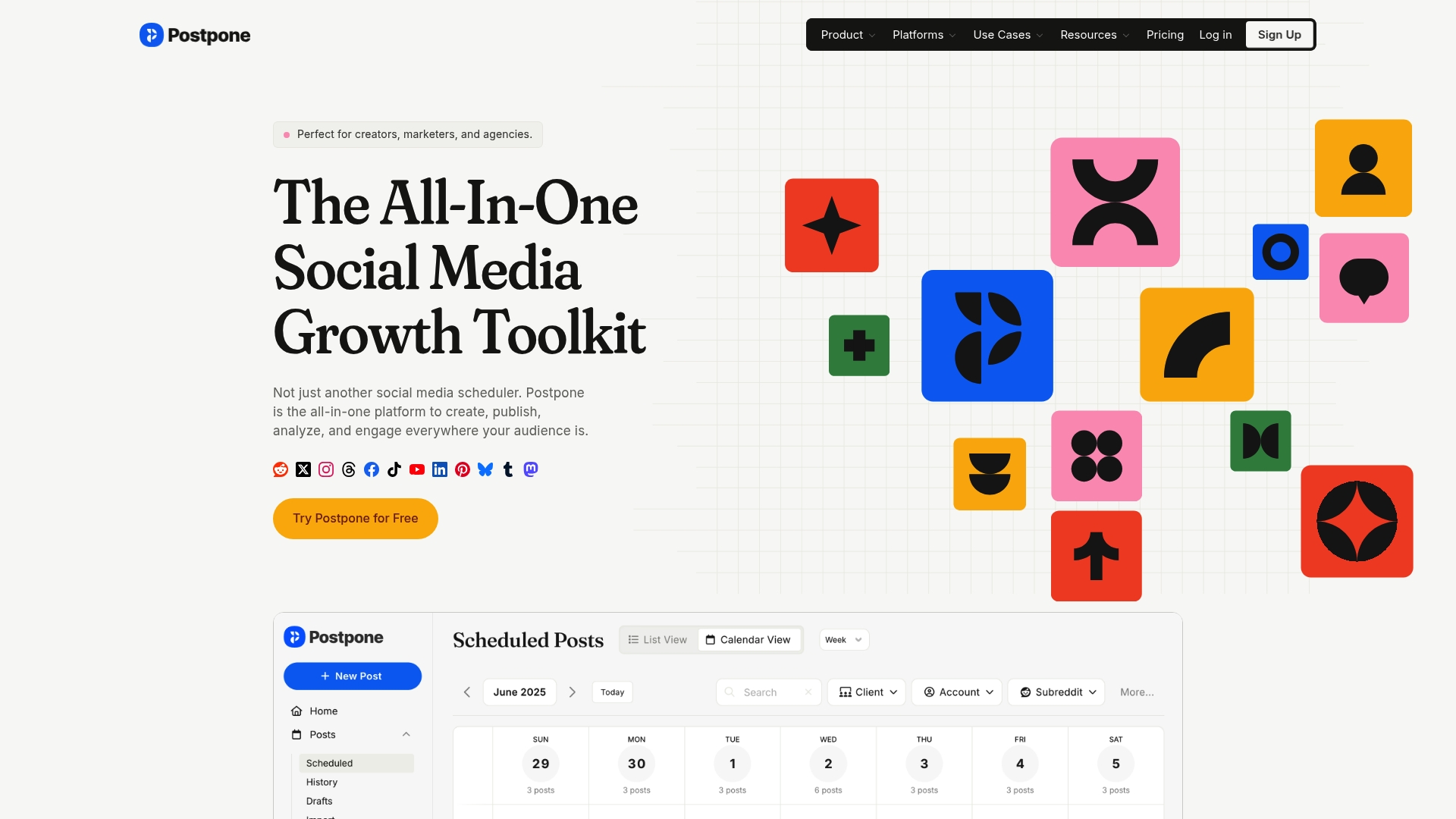
Postpone is an all in one social media marketing platform built for creators, brands, and agencies who manage many accounts. It combines publishing, engagement, and analytics in a single dashboard so teams work from one place.
Postpone excels at handling cross platform schedules and content reuse while offering built in collaboration and automation tools. Expect a moderate learning curve if you adopt the platform across a team.
Core Features
Postpone provides a unified dashboard to schedule across 12 platforms, manage conversations with a social inbox, and store assets in a Content Library. The platform adds AI assistance for creating and repurposing posts and includes built in analytics to compare post performance across channels.
The feature set targets publishing, audience engagement, content organization, and simple automation through API integrations and workflow tools.
Pros
-
Comprehensive feature set: The product combines scheduling, analytics, content management, and engagement so teams avoid juggling separate tools.
-
Broad platform support: Postpone supports major networks including Reddit, Twitter, Instagram, Facebook, and TikTok which helps you maintain presence across high value channels.
-
Automation and integrations: The platform offers automation capabilities and API integrations that reduce repetitive tasks and connect with existing workflows.
-
Team collaboration tools: Built in collaboration features let agencies and internal teams approve, assign, and publish content without email back and forth.
-
AI content assistance: AI driven creation and repurposing speed up content production and help adapt posts for different platforms.
Cons
-
The extensive feature list may require a learning curve for new users and teams that lack a dedicated social media specialist.
-
Pricing details are not included in the summary so you must review costs on the pricing page before committing to the platform.
-
The summary does not specify platform specific limitations which means some networks could offer reduced functionality compared to others and you will need to confirm details.
Who It’s For
Postpone fits content creators, social media managers, agencies, and brands that publish frequently across multiple platforms and need centralized tools. It is especially useful for teams that value collaboration, asset organization, and a single place to view performance.
Unique Value Proposition
Postpone stands out by combining publishing, engagement, and analytics with AI assisted content creation and a central Content Library. That combination helps teams publish more consistently and reuse high performing assets across platforms.
Real World Use Case
A marketing team uses Postpone to plan weekly content for all platforms, manage incoming messages via the social inbox, and analyze which formats drive engagement. The team reuses top posts with AI assistance to tailor messages for each network.
Pricing
Pricing details are available on the plans page and vary by team size and feature set. Review the current plans and pricing at the link below to compare tiers and limits.
Website: https://postpone.app
PostNext
At a Glance
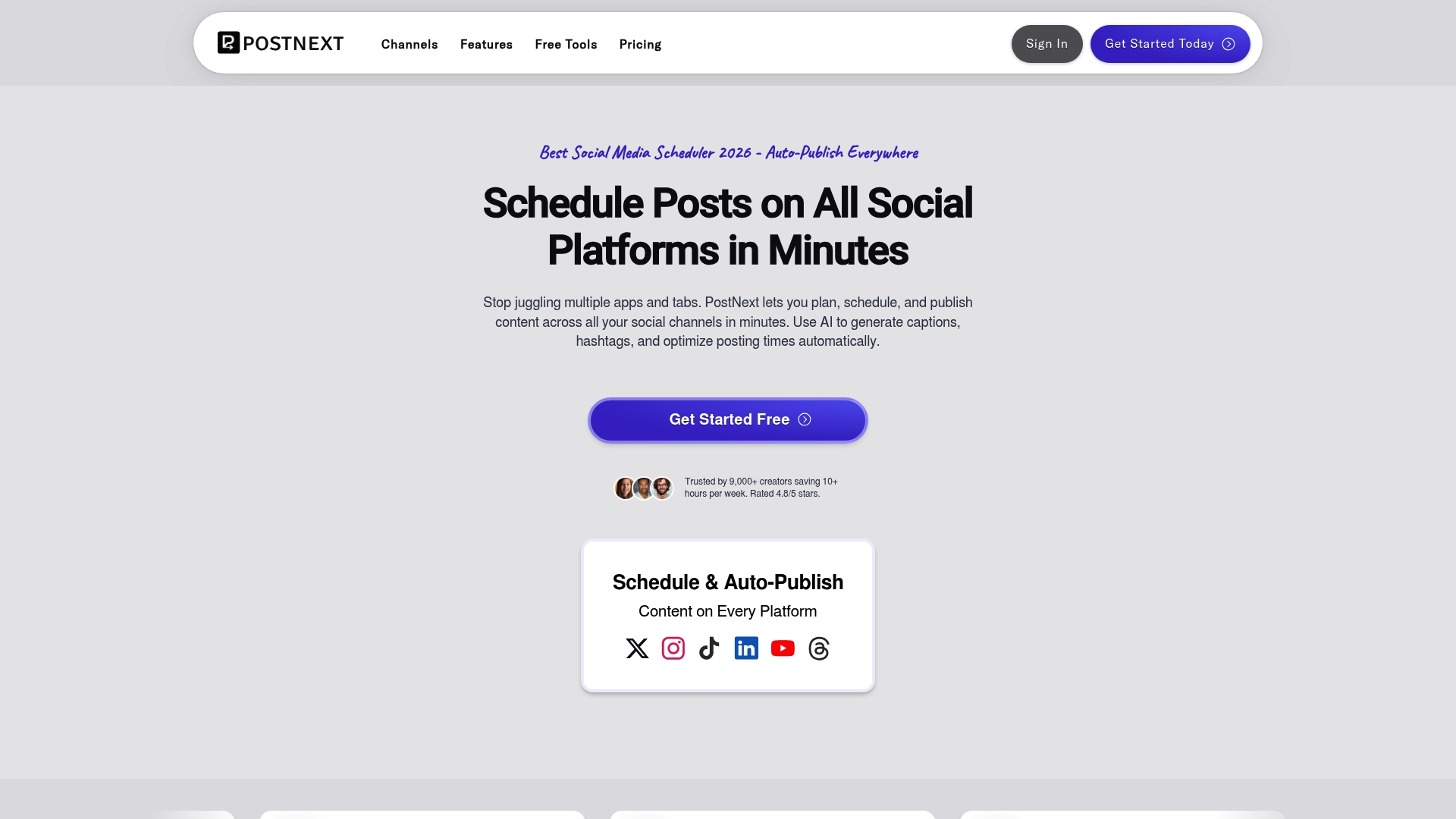
PostNext is an AI powered scheduler that helps creators and small teams plan, schedule, and publish content across multiple platforms in minutes. It pairs AI Content Creator tools with analytics to help you publish smarter without assembling separate apps.
Core Features
PostNext centers on three capabilities you will use daily: content generation, scheduling, and performance tracking. Each area focuses on saving time and improving post relevance across networks.
- AI Content Creator for generating posts and captions quickly
- Post Scheduling and Automation to publish across X, Instagram, LinkedIn, TikTok, YouTube, and Threads
- Analytics and content strategy planning tools to measure engagement and refine timing
Pros
- Multi platform support is available and lets you publish to X, Instagram, LinkedIn, TikTok, YouTube, and Threads from one dashboard, which reduces manual posting work.
- AI assistance for content creation speeds caption writing and idea generation so you spend less time staring at a blank editor.
- Automation and scheduling features let you queue campaigns and publish on a timetable that matches your audience behavior.
- Analytics and performance tracking provide metrics that help you compare post performance and iterate on what works for each account.
- Flexible plan options cover individuals, teams, and businesses so you can scale as your workload grows.
Cons
- The detailed limitations of each plan are not specified, which makes it harder to know which tier includes advanced features you might need.
- Full feature access requires a subscription, which may be a barrier if you are testing tools on a tight budget.
- Multiple pricing tiers are listed, and deciding between Premium, Business, and Teams may require careful comparison before committing.
Who It’s For
PostNext fits social media managers, content creators, and small marketing agencies that manage several accounts and want automation plus AI help. If you run multiple client pages or brand channels and need a single place to plan content, this product suits your workflow.
Unique Value Proposition
PostNext combines an AI Content Creator with native multi platform publishing and analytics in a single product. That mix gives you both content ideas and the means to schedule and measure posts without stitching together separate tools.
Real World Use Case
A marketing agency uses PostNext to schedule and automate posts for multiple clients across different platforms, analyze engagement metrics, and collaborate with team members on content calendars. The agency saves time on caption drafting and reporting.
Pricing
Pricing starts at $11 per month for PostNextPremium, $39 per month for PostNextBusiness, and $4 per user per month for PostNextTeams. Annual billing options offer discounts of up to 40 percent compared to monthly billing.
Website: https://postnext.io
GoPost.io
At a Glance
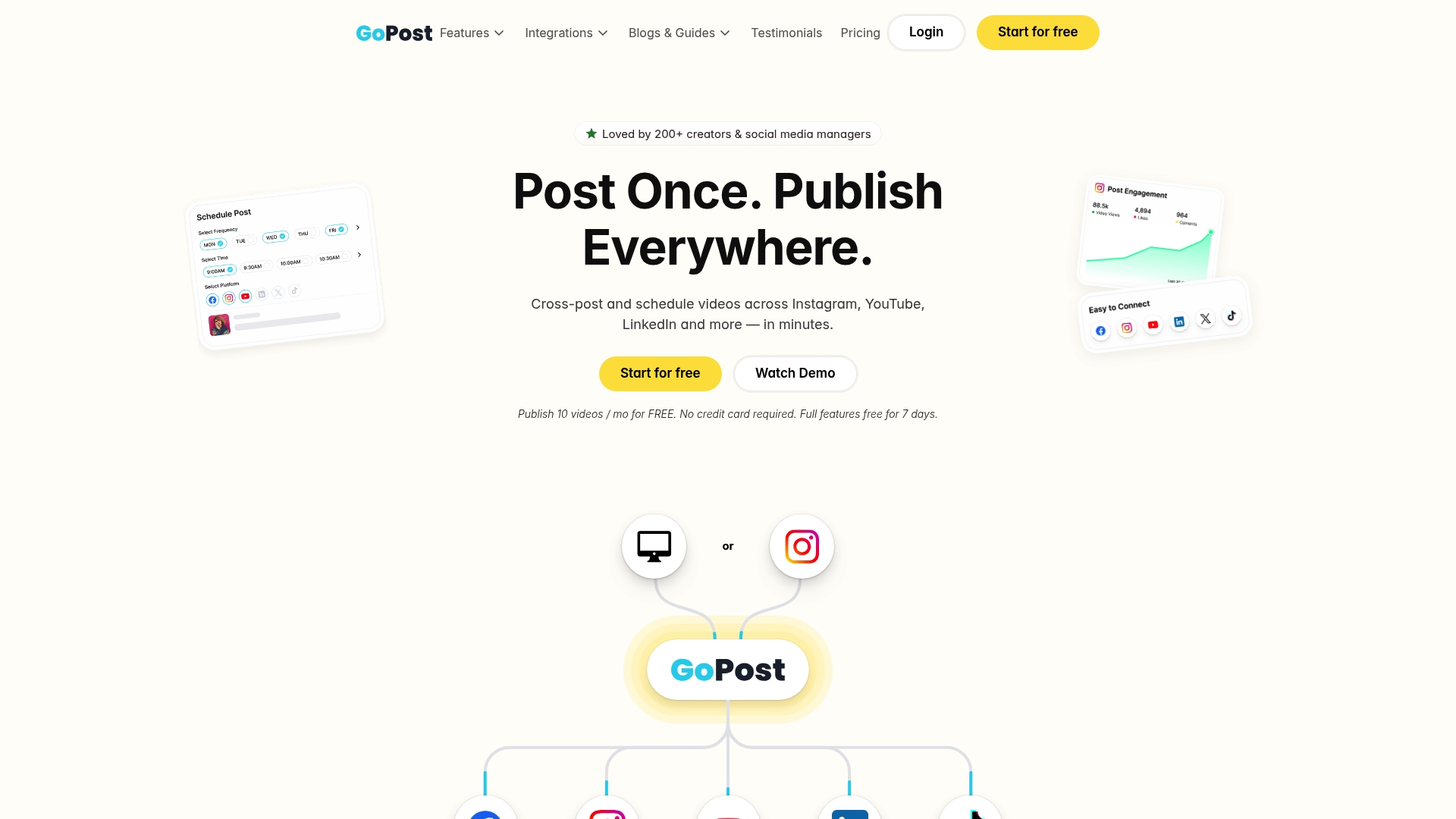
GoPost.io is a cross posting and scheduling tool that simplifies publishing across multiple social platforms from any device. Its strength lies in fast cross posting and bulk scheduling, which save time for teams handling high volume content.
Quick takeaway: Try the free plan to validate cross posting in your workflow.
Core Features
GoPost.io centralizes content upload, customization, and publishing so you avoid reuploading the same asset to each platform. Key capabilities include cross posting across socials, repurposing Instagram content, IG to IG cross posting, and bulk scheduling with platform specific customization and previews.
Quick takeaway: Use platform previews to check captions and visual crops before scheduling.
Pros
- Consolidates posting and scheduling: The platform removes repetitive uploads by letting you publish and schedule across channels from one dashboard, which speeds up campaign execution.
- Supports multiple platforms and integrations: GoPost.io connects to several social networks and external services so you can manage cross channel distribution without switching tools.
- Bulk upload and scheduling available: The bulk features let you queue dozens of posts in one operation, reducing manual scheduling time for monthly content plans.
- Content preview and customization: You can tailor captions and media per platform and preview how posts will appear, which reduces publishing errors.
- Privacy and data security focus: The platform emphasizes secure account connections and data handling, which matters when managing client accounts.
Cons
- Requires internet and platform login: The tool needs an active internet connection and platform authentication to operate, which limits offline workflow options.
- Platform specific limitations not detailed: The information provided does not list exact restrictions per social network, so you may encounter platform rules that affect certain post types.
- Pricing details are not fully transparent: The listing does not include comprehensive pricing tiers, which makes forecasting costs for multiple accounts harder.
Quick takeaway: Confirm platform limitations and pricing with sales before committing to large teams.
Who It’s For
GoPost.io fits content creators, social media managers, and small to medium marketing teams that publish frequently and repurpose content across channels. If you run recurring campaigns or manage multiple client accounts and need efficient multi platform posting, this tool aligns with those needs.
Quick takeaway: Best for teams that publish many short form posts or repurpose Instagram assets.
Unique Value Proposition
GoPost.io stands out by combining cross posting, repurposing, and bulk scheduling in one workflow focused on multi platform distribution. The preview and per platform customization features help maintain post quality while reducing repetitive tasks.
Quick takeaway: Use GoPost.io when consistency across channels matters more than advanced analytics.
Real World Use Case
A social media manager schedules a month of Instagram Reels, cross posts selected reels to LinkedIn and YouTube, and sets a drip republish schedule to resurface high performing clips. This reduces manual uploads while keeping content circulation steady without extra headcount.
Pricing
Start for free with 10 posts per month and no credit card required, and test full features free for 7 days. Evaluate the free tier against your monthly post volume before upgrading.
Website: https://www.gopost.io
Social Media Management Tools Comparison
This table provides a comprehensive comparison of leading social media management tools, detailing their features, advantages, drawbacks, pricing structures, and target users. Use it to determine the platform best suited to your needs.
| Platform | Key Features | Pros | Cons | Pricing |
|---|---|---|---|---|
| **Status 200 | uploads** | Multi-platform scheduling, AI Caption Generator, REST API | Supports multiple profiles, Free plan available, Developer-friendly APIs | Higher plan costs for larger teams |
| Vista Social | Publishing, Engagement, Analytics, Listening, Review Management | Comprehensive features, User-friendly interface | Pricing for small teams, Add-ons may be needed | From $64/month |
| PostEverywhere | AI content generation, Content calendar, Bulk scheduling | Supports multiple platforms, All-in-one features | Free trial requires credit card; Pricing unspecified | Free trial offered; Details on website |
| Postpone | Schedule across 12 platforms, AI-assisted creation | Broad platform support, Team collaboration tools | Extensive features may require training | Custom pricing listed on website |
| PostNext | AI content creation, Automation, Analytics | Multi-platform publishing, Flexible plan options | Plan limitations unclear, Subscription required | $11-$39/month; Discounts available |
| GoPost.io | Cross-platform posting, Bulk scheduling | Privacy focus, Content previews available | Internet required, Pricing not detailed | Free tier available; Details on website |
Simplify Your Social Media Management with Status 200 Uploads
Managing multiple social media accounts can be overwhelming, especially when trying to post across platforms like TikTok, Instagram, Facebook, YouTube, X, and LinkedIn all at once. The article highlights challenges such as juggling different tools, inconsistent posting, and the need for automation to save time and keep a consistent brand voice. You deserve a solution that puts all these needs into one smart dashboard.
Status 200 Uploads solves these pain points by offering robust features including multi-account management, AI-powered caption generation, secure OAuth connections, and detailed analytics to track your content’s success. Streamline your workflow with tools built for creators, agencies, and growing brands who want to post faster and smarter.
Ready to stop switching between apps and start focusing on what really matters? Discover how you can boost your social media efficiency today at Status 200 Uploads. Take control of your content and schedule smarter to grow your presence across all platforms.
Frequently Asked Questions
What are the main reasons to consider alternatives to Postiz.com in 2026?
Considering alternatives to Postiz.com can provide better pricing options, unique features, or improved usability depending on your specific needs. Research alternatives to identify which platforms may better suit your social media management workflow and save time.
How can I determine which Postiz.com alternative fits my team’s needs?
Evaluate your team’s specific requirements, such as the number of social media accounts to manage and preferred features like content scheduling or analytics. Create a checklist of must-have functionalities, then compare alternatives against this list to make an informed decision.
Are there free trials available for the alternatives to Postiz.com?
Most alternatives offer free trials or free tiers to allow users to test their features before committing. Take advantage of these trials to experiment with different platforms and assess which one aligns best with your workflow without any financial commitment.
What features should I prioritize when choosing a Postiz.com alternative?
Focus on features that enhance your content scheduling, multi-platform publishing, and analytical capabilities. Prioritize aspects such as AI content generation, bulk scheduling, and user-friendly dashboards to enhance your social media strategy effectively.
How do I get started with a new alternative to Postiz.com?
Once you’ve selected an alternative, sign up for the service and explore its onboarding process, which often includes tutorials and documentation. Begin by setting up your accounts and scheduling a few test posts to familiarize yourself with the interface and features.